

Sound Without Source
Summary
This toolkit invites you to explore sound as a creative way of understanding the world. Through listening, recording, and arranging simple everyday sounds, you will discover how sound can shape emotion, atmosphere, and a sense of space without using any images. The activity encourages you to pay attention to small details in your environment and to think about listening as both an artistic and reflective practice. With only a phone and a free editing app, you will create a short 1–2 minute sound piece that expresses your personal experience of sound.
A short 20-minute activity where learners record everyday sounds and turn them into a simple sound artwork to explore how sound creates mood and space without images.
This activity is open to everyone and has been carefully designed with participants who have different visual or auditory needs in mind.
For this reason, an audio version of the toolkit instructions is also provided, so that everyone can take part in the way that suits them best.
Tools Needed
A mobilephone with a recording function
Earphones (optional)
A free audio editing app (accessed through the QR code)
Paper or a digital notes app for writing reflections
Provided open sound files (optional, for accessibility)
Step 1 :Introduction (2 mins)
Sound can be art because it creates mood and space without images. In this activity, you will hear a short example first, then record your own everyday sounds to make a simple sound piece.
For learners with hearing differences: you may skip the example and use the provided open sound files.
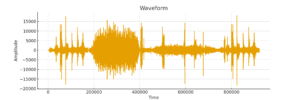
Example sound artwork created by a previous learner using everyday sounds as material.
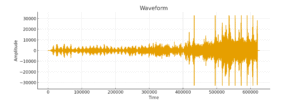
Example sound artwork created by a previous learner using everyday sounds as material.
Step 2 :Listening (3 mins)
Close your eyes and listen to nearby sounds.
Note 2–3 sounds you find interesting.
For hearing-impaired learners: observe the environment visually and choose 2–3 movements or objects that could make sound.
Here I provide some of the everyday sounds I recorded, including wind, breathing, and footsteps.
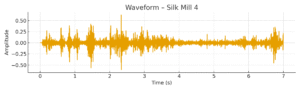
Waveform of the wind sound recording used in the Sound Without Source toolkit.
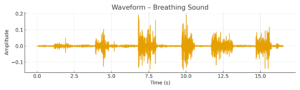
Waveform of the breathing sound recording used in the Sound Without Source toolkit.
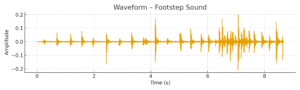
Waveform of the footstep sound recording used in the Sound Without Source toolkit.
3 :Recording (5 mins)
Use your phone to record 3–5 short everyday sounds.
You may use the open sound files instead of recording.
Here are several links to open audio resources:
Step 4 :Editing (7 mins)
Open the app from the QR code.
Learn one or two simple editing actions (cut, move, fade).
Combine your sounds into a 1–2 minute piece.
For hearing-impaired learners: edit mainly by looking at waveforms and arranging them visually.

The QR code of the audio editing software Audacity
Step 5 :Reflection & Sharing (3 mins)
Write a short reflection: “How did these sounds make you feel?”
I give participants a few reflection questions, for example:
What kind of emotion did you want to express? How did you decide the order and length of the sounds? Did you imagine a listener?
You can write down your thoughts or share in small groups, and you are invited to upload your pieces to a shared platform.
For hearing-impaired learners: reflect on the patterns you saw in the waveforms or how your piece changed when you moved the sound clips.
Learners will learn to notice small everyday sounds and understand how sound can change mood, feeling, and the sense of space. They will explore listening as a simple creative practice and see that art can come from ordinary life, not only from images.
Sound Without Source © 2025 by HANWU is licensed under CC BY 4.0
(
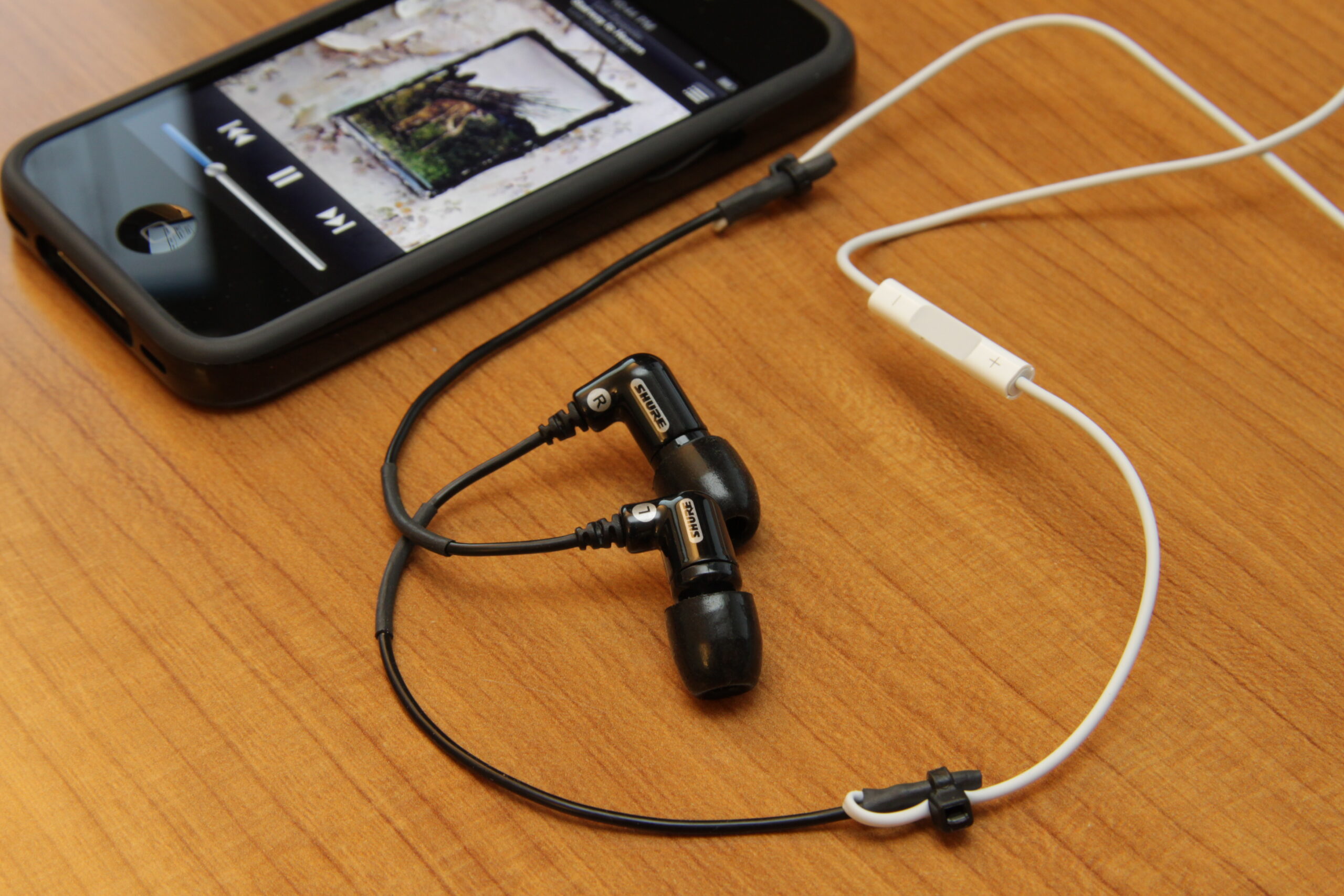
"DIY: Shure Sound Isolating Earphone + iPhone 4 Earphone" by Yutaka Tsutano is licensed under CC BY 2.0 
 .
.
(Waveform of wind sound recording by HanWu (2025). Licensed under Creative Commons Attribution 4.0 International (CC BY 4.0).)