

Self-Awareness: Creation and Comparison of Digital Personal IP Images
Summary
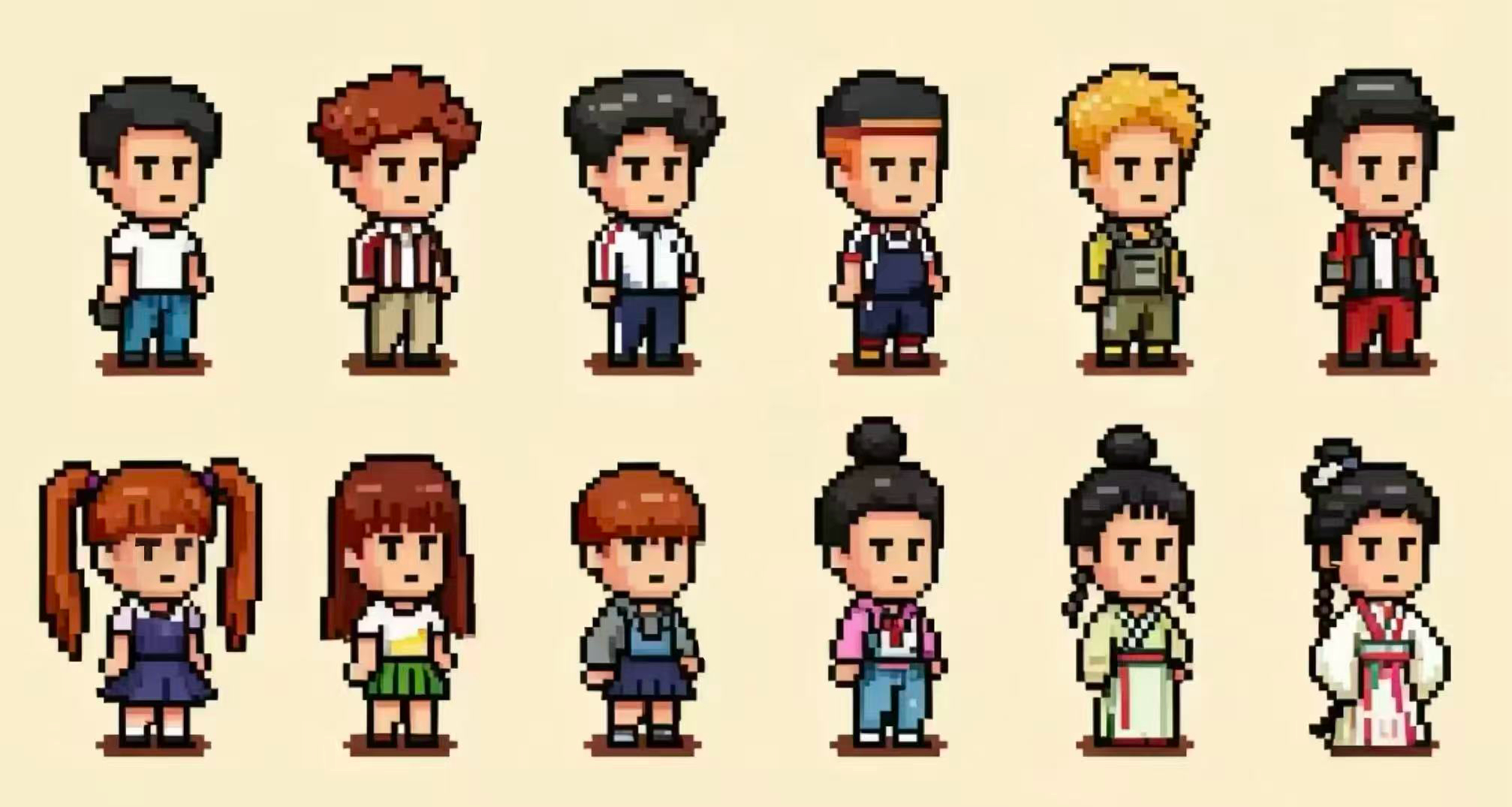
This toolkit assists learners in creating their own personal IP avatars using generative AI tools, while exploring discrepancies between the generated images and their self-perceived identities. The process highlights the limitations and biases inherent in AI, encouraging learners to critically examine the completeness of their self-understanding and cultivate critical thinking and self-assessment skills.
Reading (1 minute)
Learning Objectives
- To enhance self-awareness by expressing learners’ personal perceptions of themselves.
- To understand the limitations and complexities of generative AI tools (algorithm-generated images may not align with your perceived “accurate” self-image).
- To explore topics related to self-awareness, prompting reflection on the comprehensiveness of your self-perception.
- To conduct self-assessment through reflection and summarization.
Materials Required
- Paper and pen for drawing and writing, or digital art software and device (e.g., Procreate/Photoshop).
- Electronic device capable of running generative AI tools (mobile phone/laptop/tablet).
- Timer/clock
- Environment conducive to focused learning
Using This Toolkit
Gather the required materials and follow these steps to begin your learning journey. Let’s commence!
Step 1: Describe Your Personality Traits (5 minutes)
Have your pen and paper ready. Write down some words based on the following suggestions (these are merely to aid your thinking; feel free to jot down any words you believe describe yourself).
- Note approximately 5 distinct physical characteristics (e.g., female, dark hair, double eyelids, slender build, wearing a watch, etc.).
- Write down 2-3 personality traits you believe you possess (e.g., extroverted, emotional, optimistic, etc.).
- Write down 2-3 emotions you wish to convey in your personal image (e.g. happy, sad, angry, moved, etc.).
- Describe how you wish others to perceive you.
Ensure you write 7-10 words describing yourself.
Step 2: Multiple Character Sketches (5 minutes)
- Using your prepared drawing tools, sketch characters based on the textual descriptions from Step One.
- Note that IP characters are typically stylized; focus on capturing key features you wish to express. Sketches need not be perfect.
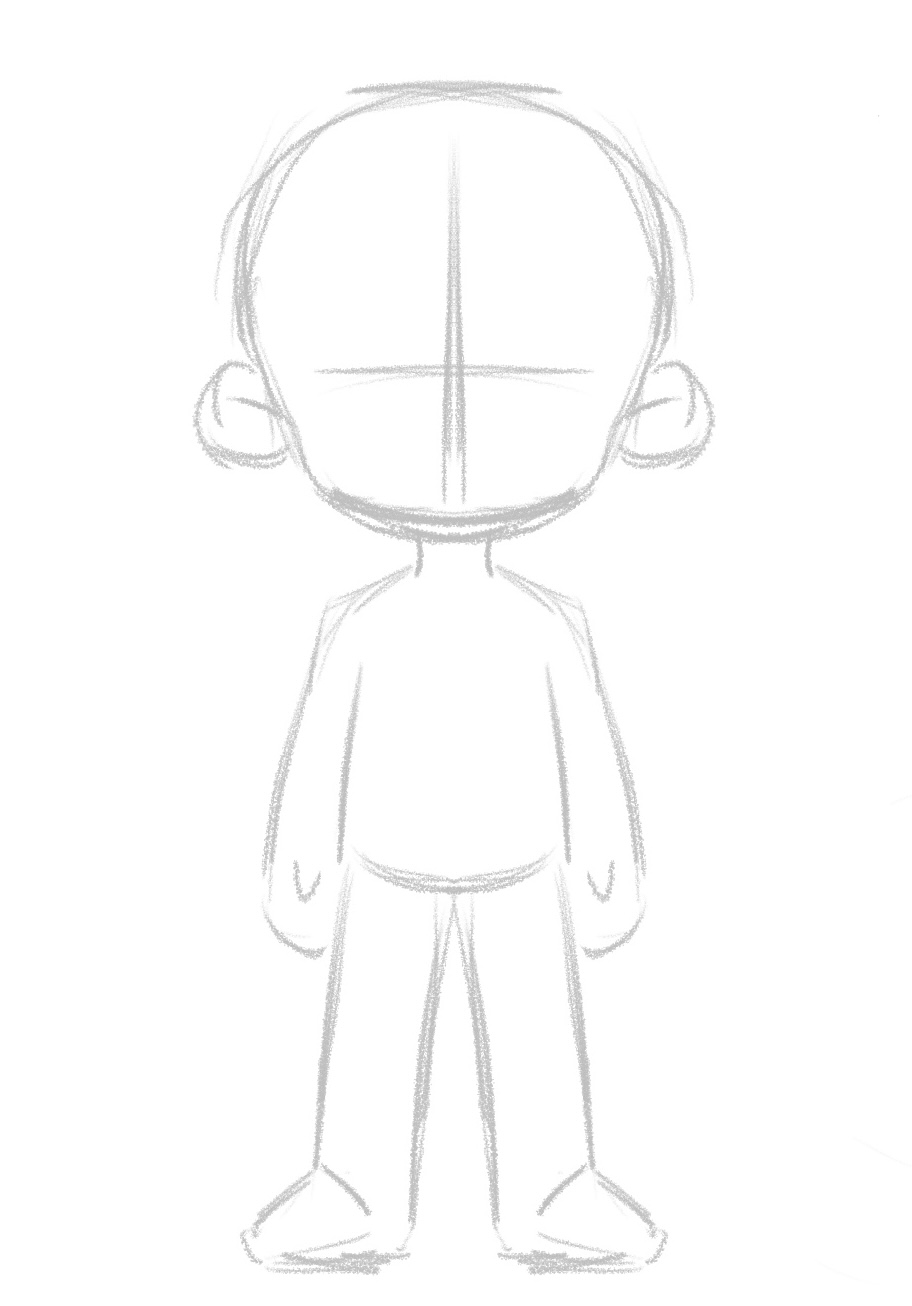
- Alternatively, if lacking drawing skills, you may use the character templates provided in the toolkit and add your own features (as templates cannot cover all personal traits, this option is permitted only for those with absolutely no drawing ability).
Personal IP Design Template:
Step 3: Generate Your IP Image (5 minutes)
Using your prepared electronic device, open the generative AI tool website:
(Given that different AI tools employ distinct models, you can select any generative AI tool website. A selection of usable websites is provided below.)
- https://www.recraft.ai/projects
- https://openart.ai/image/create
- https://pixlr.com/cn/
(The following tutorial uses the Recraft AI tool as an example.)
- After logging in, click “Create New Project” From the left-hand menu, select “Image”.
- You can select the artistic style for the image you wish the AI to generate (Here are some styles for your reference: retro pixel art, flat cartoon style, minimalist flat design, three-dimensional rendering, and watercolor painting).
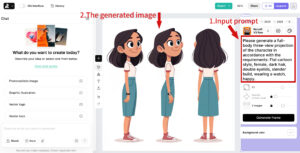
- Enter your prompt into the input field, e.g.: “Please generate a full-body three-view projection of the character in accordance with the requirements: Flat cartoon style, Character traits 1, Character traits 2, Character traits 3, etc.”
- After entering the prompt, click “Generate”.
- Please wait while the AI tool generates the image. Once it’s ready, you’ll have your personalized IP character.
Step 4: Reflection and Summary (3 minutes)
Compare the generated results with your own sketches.
Consider the following questions:
1. Do the generated images clearly and comprehensively express each feature?
2. How do they differ from your rough sketches? Specifically, which features differ?
3. Do you believe the AI-generated images align with your expectations? Why?
Step 5: Rating the AI-Generated IP Character (2 minutes)
Please rate according to the following criteria.
1. Self-assessment consistency (alignment with self-defined keywords): 1=Irrelevant, 5=Highly consistent.
2. Emotional consistency (does the image convey the intended mood/vibes?): 1=Inconsistent, 5=Highly consistent.
3. Iconic potential (could this image serve as my “representative” on social media or in displays?): 1=Unsuitable, 5=Ready for immediate use.
Pixelated character designs © 2025 by Yixuan Ma is licensed under CC BY-NC-SA 4.0
Personal IP Design Template © 2025 by Yixuan Ma is licensed under CC BY-NC-SA 4.0
Teaching images © 2025 by Yixuan Ma is licensed under CC BY-NC-SA 4.0
Self-Awareness: Creation and Comparison of Digital Personal IP Images © 2025 by Yixuan Ma is licensed under CC BY-NC-SA 4.0