Test equipment: Arduino temperature humidity sensor DHT11
Tester: Li Lyu, Can Huang
Technical Support: Joe Hathway
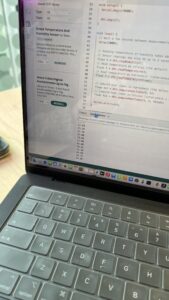
When testing the Temperature humidity sensor DHT11 for the first time, the serial monitor could not display temperature and humidity data. The initial check of the hardware connection is correct, and the problem is suspected in the use of code or libraries.
Troubleshooting & code modification
Huang Can and I asked Joe for help, and after checking the code, he found that the problem was the installation of the library and the code setup.
Joe pointed out that after we install the DHT library in Arduino, we need to call the DHT code correctly in the Tool. The sensor type in the code was originally set to DHT22, but we actually used DHT11, causing the data to not be read properly.
We will DHT dht(DHTPIN, DHT22); Change it to DHT dht(DHTPIN, DHT11). Make sure the code matches our sensor model.
After the code was modified, it was uploaded to Arduino again, and the serial port monitor successfully displayed temperature and humidity data, and the problem was solved.