After these two weeks of constant adjustments and modifications, a version has now been formed. In terms of sound design, my initial idea was to make ambient music, but after testing it, I found that the sound was smooth and did not highlight the rhythm of the characters on screen。
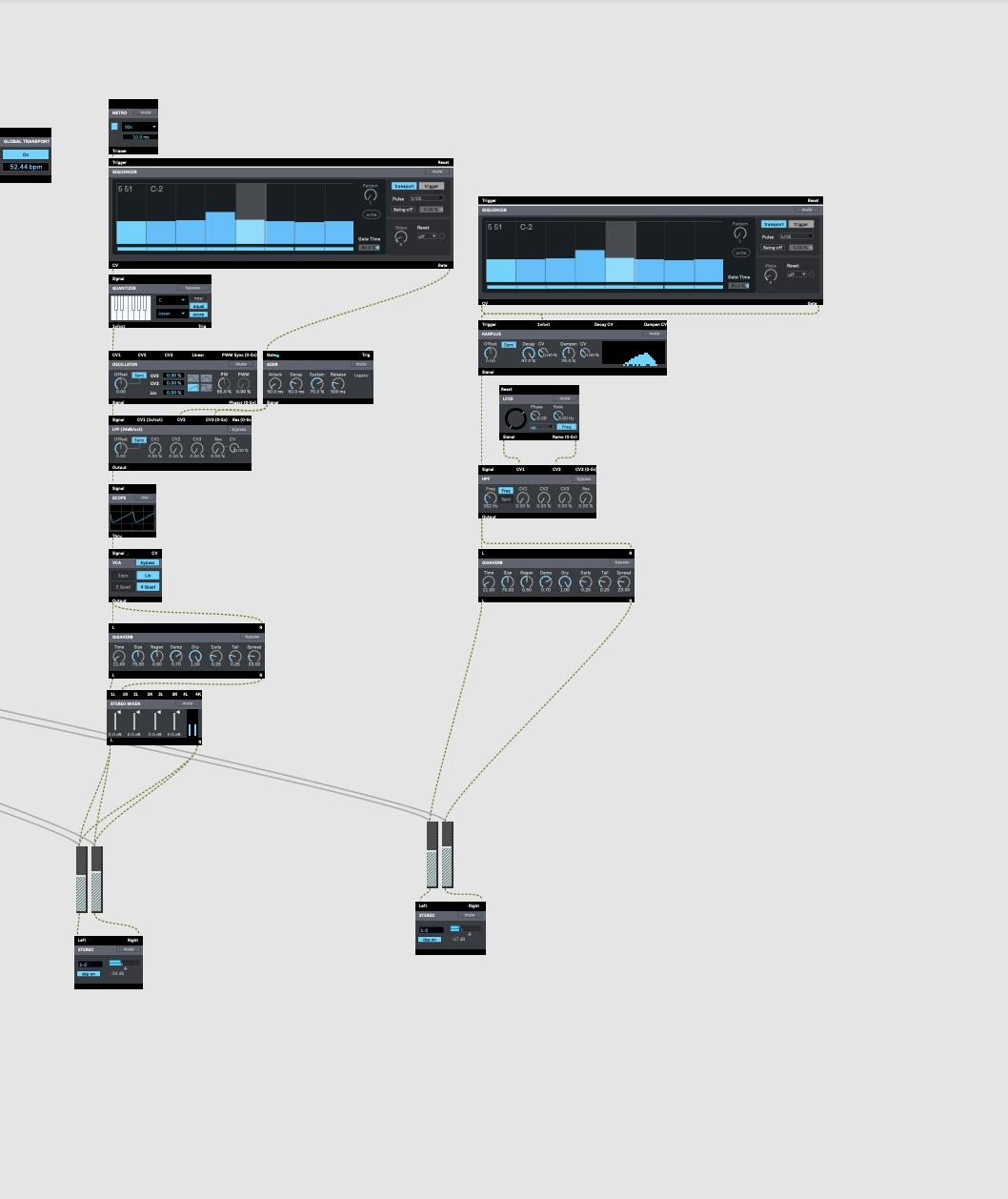
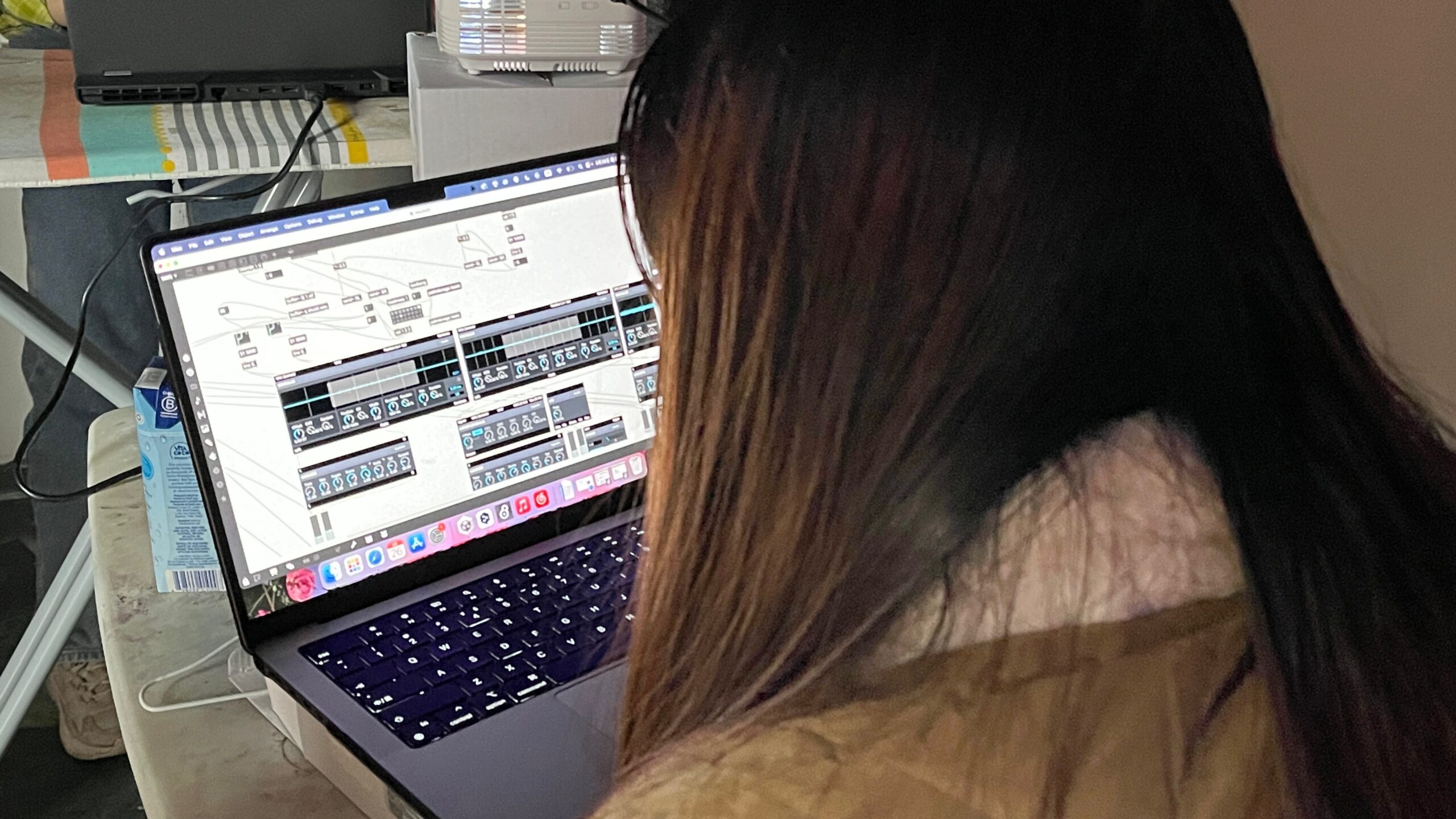
so I added sound effects to the design. I used four samples as the ambient background sound. I used four samples for the ambient soundtrack, which were some of the water and ambient sounds we recorded outside last week, and then three dotted tones, using footsteps and water drops to make a soundscape. Also to match the image you need to take into account the rhythm, beat, pitch, timbre, mood and theme.
Reflection:
Controlling tones with Max is extremely easy and simple. In MIDI music, the object “pgmout” sends the MIDI message
In MIDI music, the object “pgmout” sends the tone number in the MIDI message to the corresponding MIDI device for the purpose of changing the MIDI tone. In the case of audio samples and specific music
The large number of MSP objects included in Max makes it easy and efficient to perform ADSR envelope plotting, spectral content, and other functions on sound samples or real-time audio.
envelope plotting, spectral content adjustment, fast Fourier transforms, filtering, variable speed, playback, transposition, etc. to
The aim is to change the timbre of the audio.
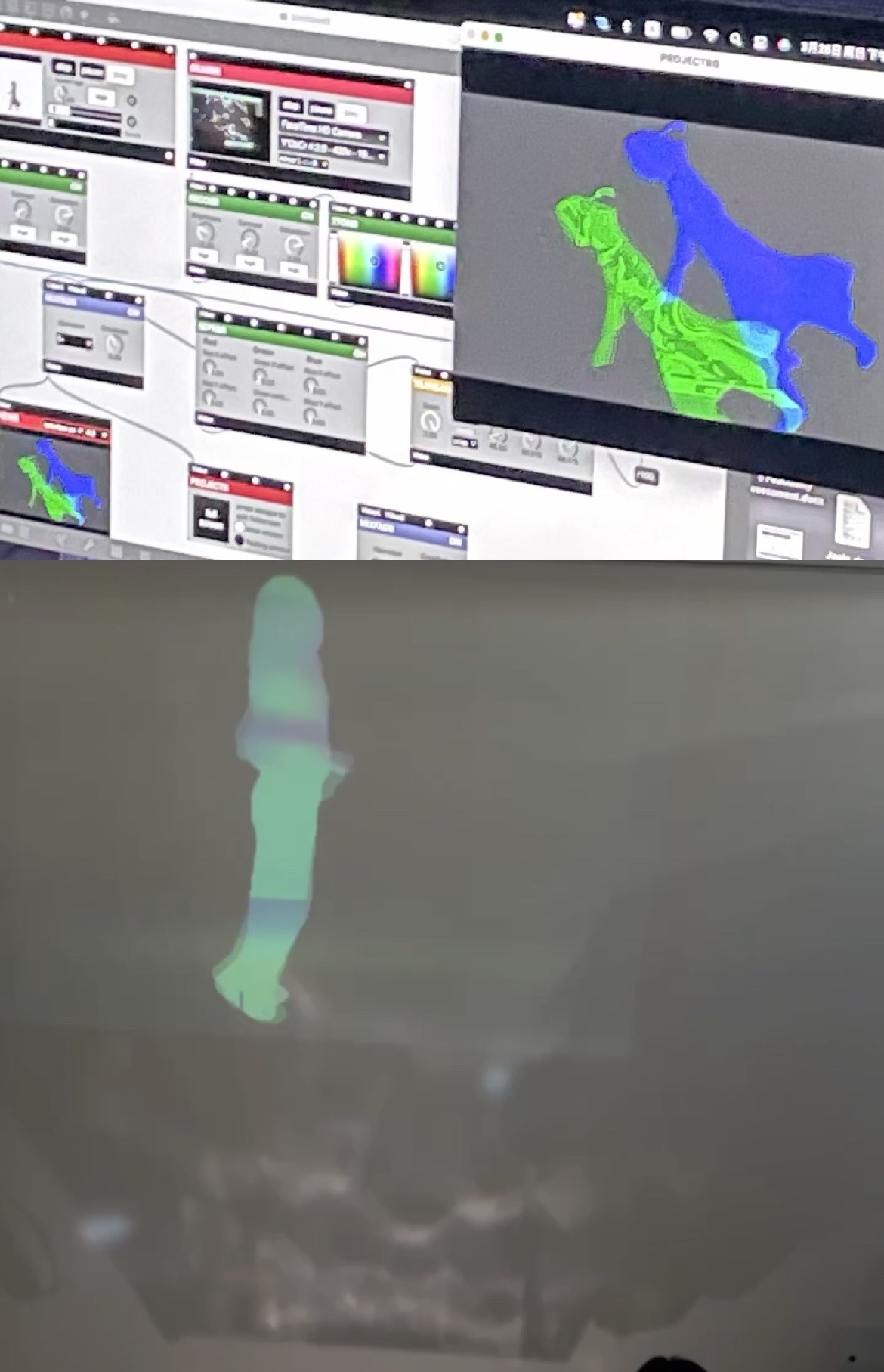
In our work, we show three sections of people walking, running and galloping to map the inner musical combination of the characters. Considering tha the movement of the person walking, running and galloping has a certain rhythm to it, matching the footsteps of the walk to the rhythm of the drums. Ambient sound effects are used to enhance the music. More relevant to the theme.
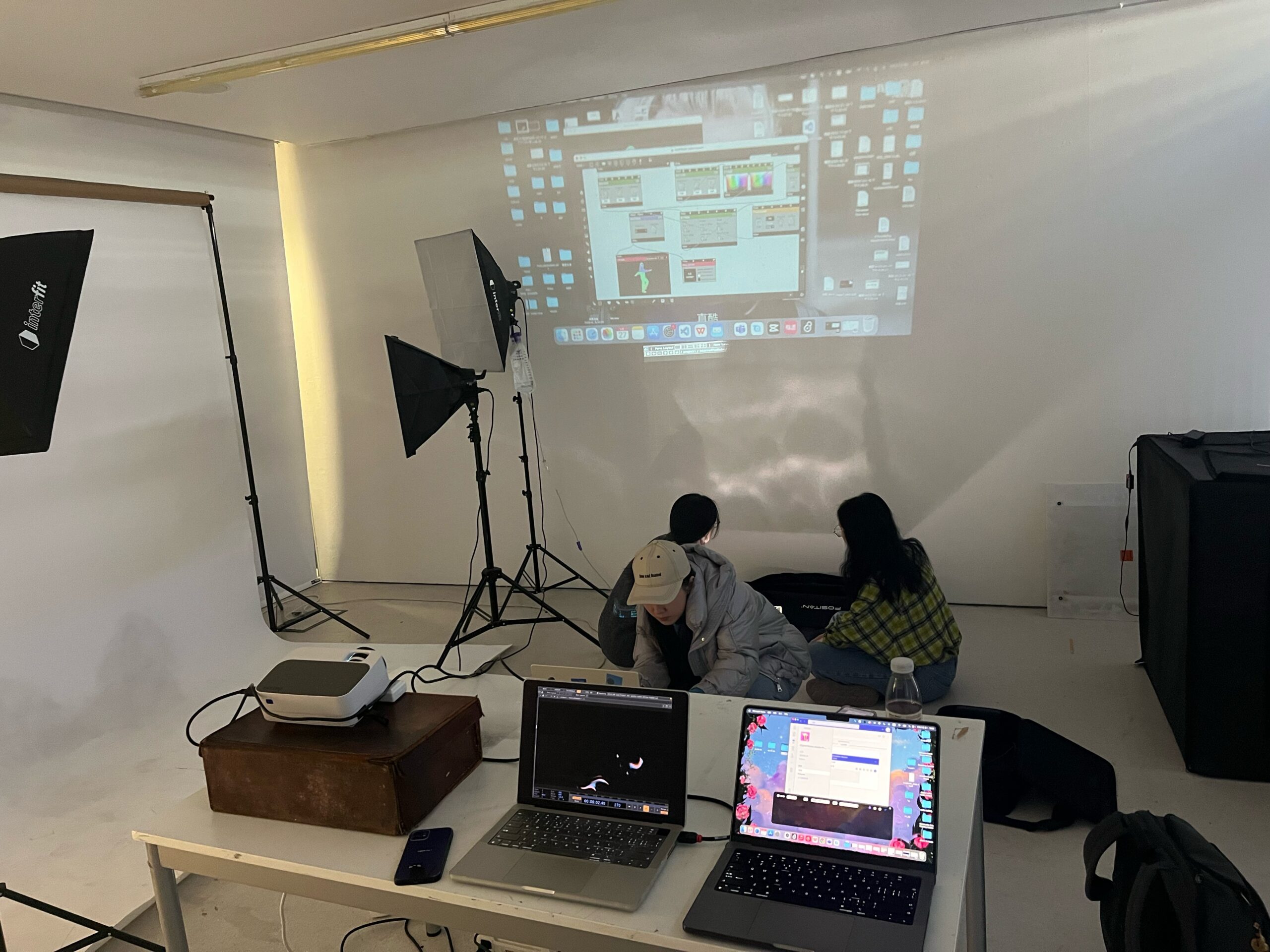
Combine Touch Designer’s audio visualization with the device’s water ripple:
In our tests we used the Touch Designer’s to pick up the audio from the max to make the water drops change. To create an effect that matches the rhythm and intensity of the audio.
var LanguageMenu; var LanguageMenu_keys=[“ar”,”bg”,”ca”,”zh-CHS”,”zh-CHT”,”cs”,”da”,”nl”,”en”,”et”,”fi”,”fr”,”de”,”el”,”ht”,”he”,”hi”,”mww”,”hu”,”id”,”it”,”ja”,”tlh”,”ko”,”lv”,”lt”,”ms”,”mt”,”no”,”fa”,”pl”,”pt”,”ro”,”ru”,”sk”,”sl”,”es”,”sv”,”th”,”tr”,”uk”,”ur”,”vi”,”cy”]; var LanguageMenu_values=[“Arabic”,”Bulgarian”,”Catalan”,”Chinese Simplified”,”Chinese Traditional”,”Czech”,”Danish”,”Dutch”,”English”,”Estonian”,”Finnish”,”French”,”German”,”Greek”,”Haitian Creole”,”Hebrew”,”Hindi”,”Hmong Daw”,”Hungarian”,”Indonesian”,”Italian”,”Japanese”,”Klingon”,”Korean”,”Latvian”,”Lithuanian”,”Malay”,”Maltese”,”Norwegian”,”Persian”,”Polish”,”Portuguese”,”Romanian”,”Russian”,”Slovak”,”Slovenian”,”Spanish”,”Swedish”,”Thai”,”Turkish”,”Ukrainian”,”Urdu”,”Vietnamese”,”Welsh”]; var LanguageMenu_callback=function(){ }; var LanguageMenu_popupid=’__LanguageMenu_popup’;
var intervalId = setInterval(function () { if (MtPopUpList) { LanguageMenu = new MtPopUpList(); var langMenu = document.getElementById(LanguageMenu_popupid); var origLangDiv = document.createElement(“div”); origLangDiv.id = “OriginalLanguageDiv”; origLangDiv.innerHTML = “ORIGINAL: “; langMenu.appendChild(origLangDiv); LanguageMenu.Init(‘LanguageMenu’, LanguageMenu_keys, LanguageMenu_values, LanguageMenu_callback, LanguageMenu_popupid); window[“LanguageMenu”] = LanguageMenu; clearInterval(intervalId); } }, 1);