March 4th
During the workshop we checked the different types of light in Unity and how they can be implemented in our Unity Environment.
Point Lights
They send light out in all directions equally. The direction of light hitting a surface is the line from the point of contact back to the center of the light object. The intensity diminishes with distance from the light, reaching zero at a specified range.
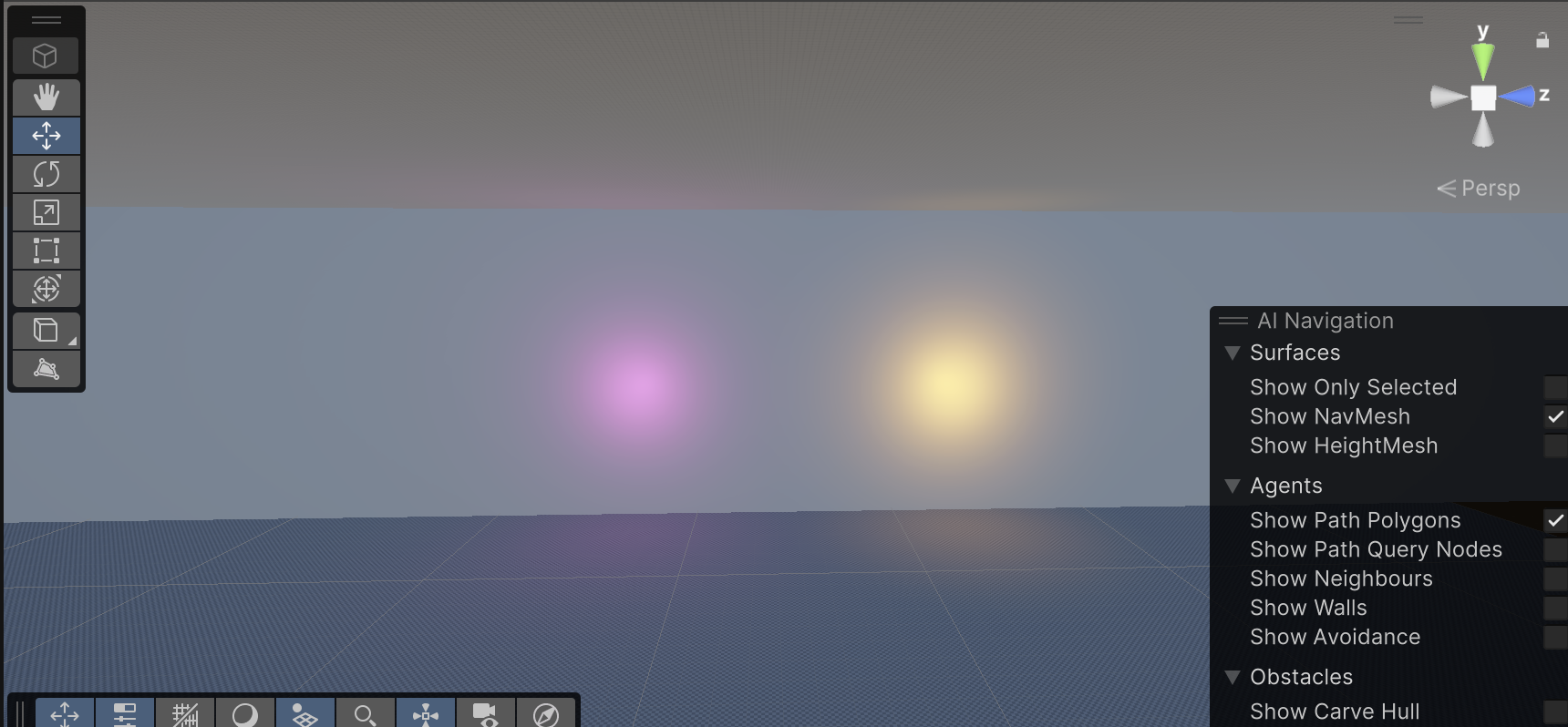
They are useful for simulating lamps and other local sources of light in a scene. They can also be used to make a spark or explosion illuminate its surroundings in a convincing way.
Spot Lights
Similar to Point Light in the aspect of a specified location and range over which the light falls off. However, a Spot Light is constrained to an angle, resulting in a cone-shaped region of illumination. The center of the cone points in the forward (Z) direction of the light object. Light also diminishes at the edges of a Spot Light’s cone. Widening the angle increases the width of the cone and with it increases the size of this fade, known as the ‘penumbra’
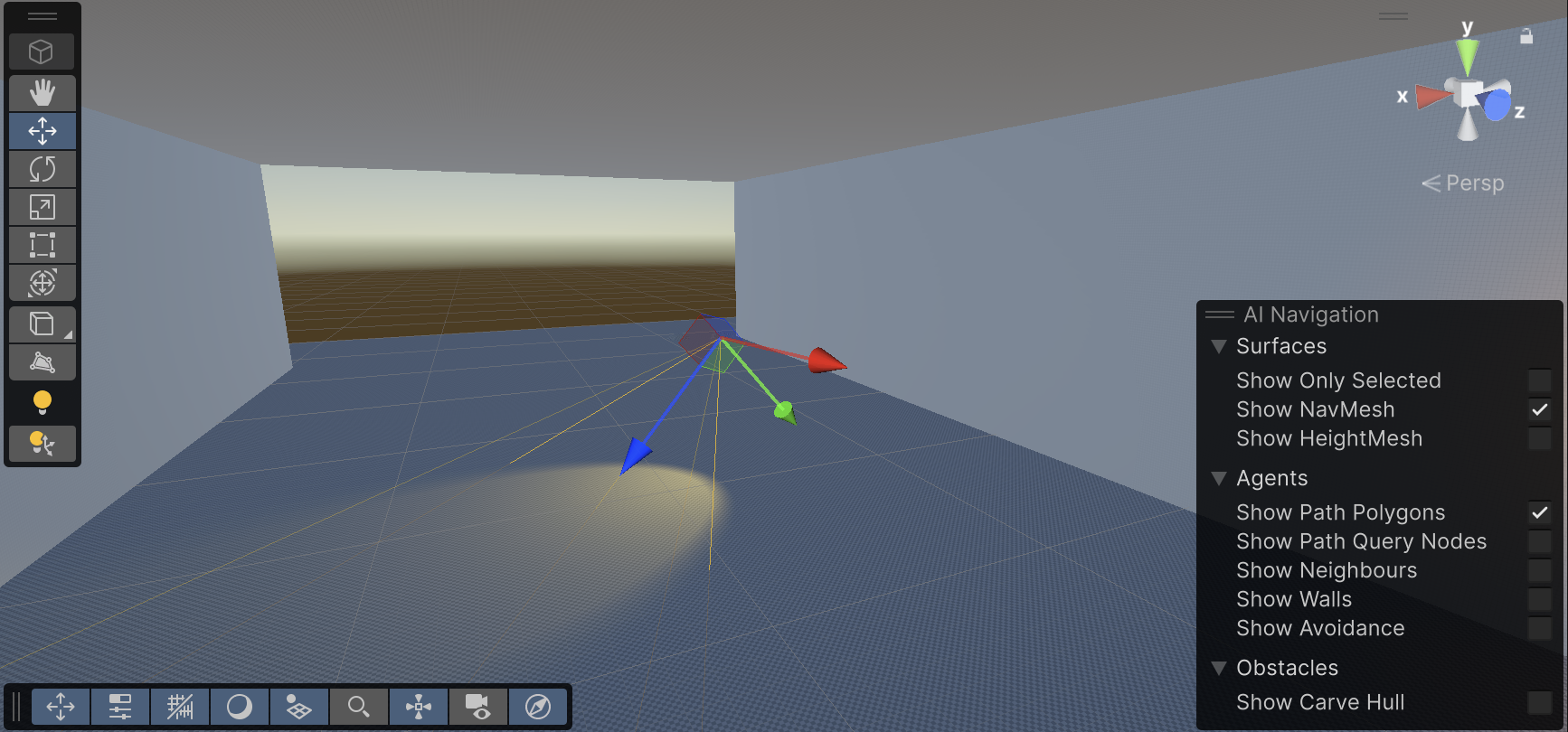
Spot lights are generally used for artificial light sources such as flashlights, car headlights and searchlights. With the direction controlled from a script or animation, a moving spot light will illuminate just a small area of the scene and create dramatic lighting effects
Directional Lights
Directional Lights are useful for creating effects such as sunlight. Behaving in many ways like the sun, directional lights can be thought of as distant light sources which exist infinitely far away. A Directional Light doesn’t have any identifiable source position and so the light object can be placed anywhere in the scene. All objects in the scene are illuminated as if the light is always from the same direction. The distance of the light from the target object isn’t defined and so the light doesn’t diminish.
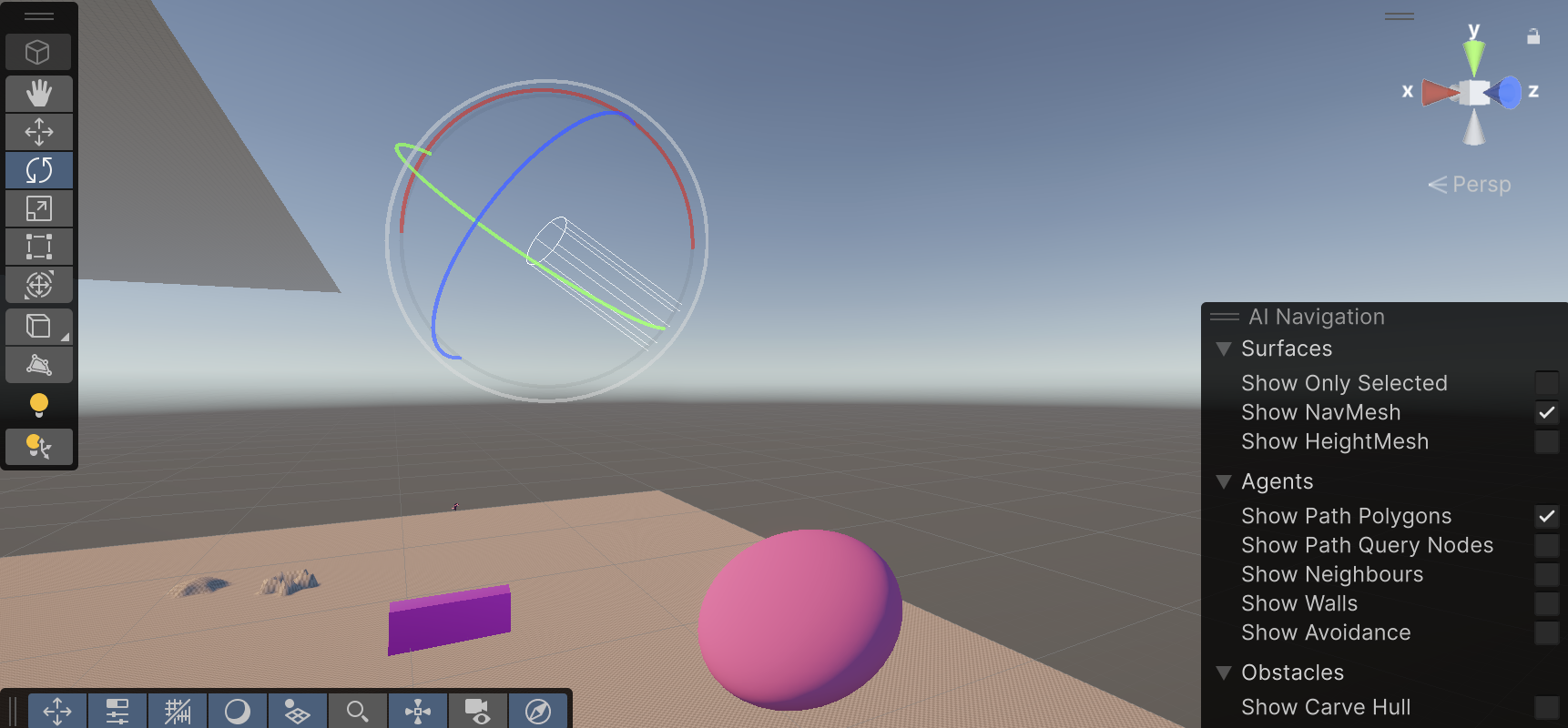
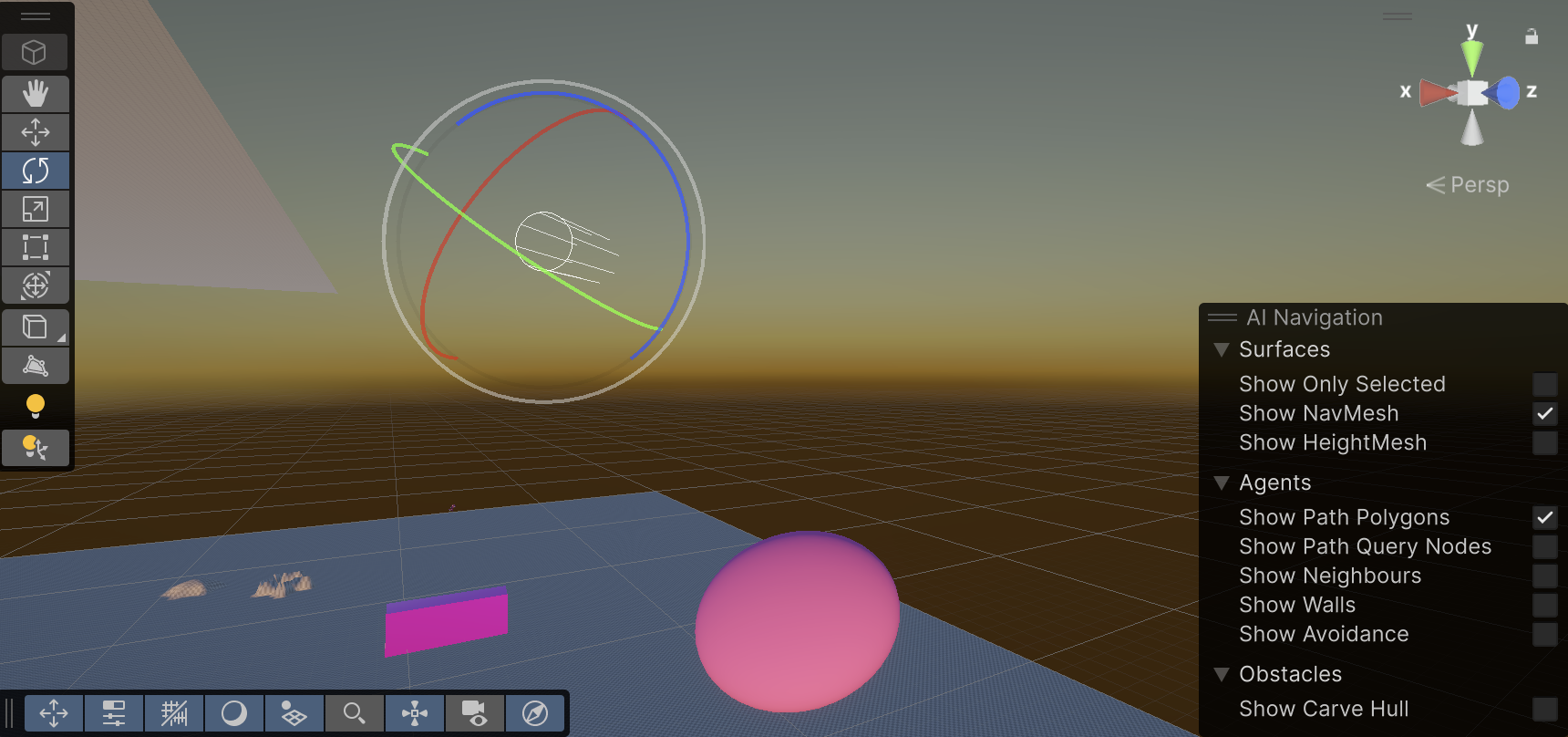
Directional lights represent large, distant sources that come from a position outside the range of the game world.
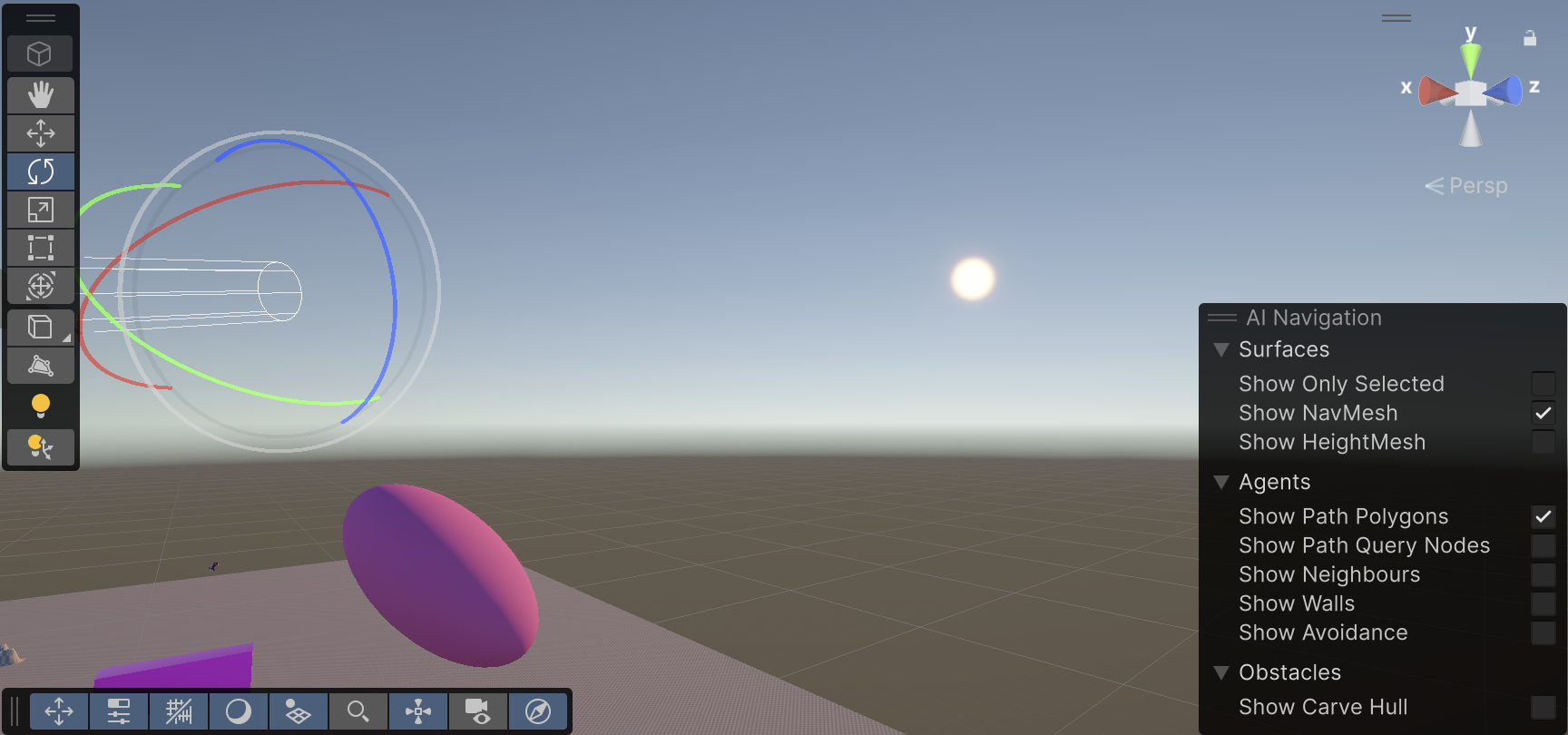
Area Lights
They can be defined by one of two shapes in space: a rectangle or a disc. An Area Light emits light from one side of that shape. The emitted light spreads uniformly in all directions across that shape’s surface area. The Range property determines the size of that shape.
Since an Area light illuminates an object from several different directions at once, the shading tends to be more soft and subtle than the other light types. It can be used to create a realistic street light or a bank of lights close to the player.