Any views expressed within media held on this service are those of the contributors, should not be taken as approved or endorsed by the University, and do not necessarily reflect the views of the University in respect of any particular issue.

Implementing Gravity Direction Changing in Unity__Chengcheng Jiang

In order to better fit the Monument Valley art style of our game, this week I focused on developing and implementing the ability for characters to change their gravity direction. By writing control scripts (using Physics.gravity and Rigidbody), the character can change the direction of gravity based on specific triggers, allowing for multiple angles of movement and exploration in the scene.
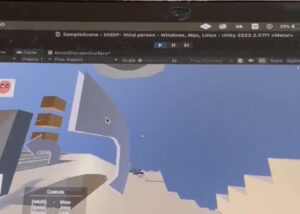
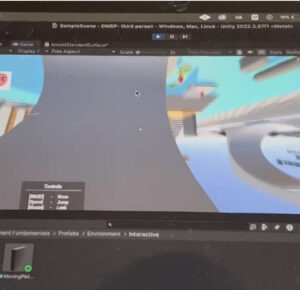
The implementation of this feature will greatly enrich the spatial puzzle mechanism of the game, enabling the player to explore the maze path from a multi-dimensional perspective, and enhancing the game’s fun and immersion.


 

Leave a Reply

css.php

Report this page

To report inappropriate content on this page, please use the form below. Upon receiving your report, we will be in touch as per the Take Down Policy of the service.

Please note that personal data collected through this form is used and stored for the purposes of processing this report and communication with you.

If you are unable to report a concern about content via this form please contact the Service Owner.

Please enter an email address you wish to be contacted on. Please describe the unacceptable content in sufficient detail to allow us to locate it, and why you consider it to be unacceptable.
By submitting this report, you accept that it is accurate and that fraudulent or nuisance complaints may result in action by the University.

  Cancel