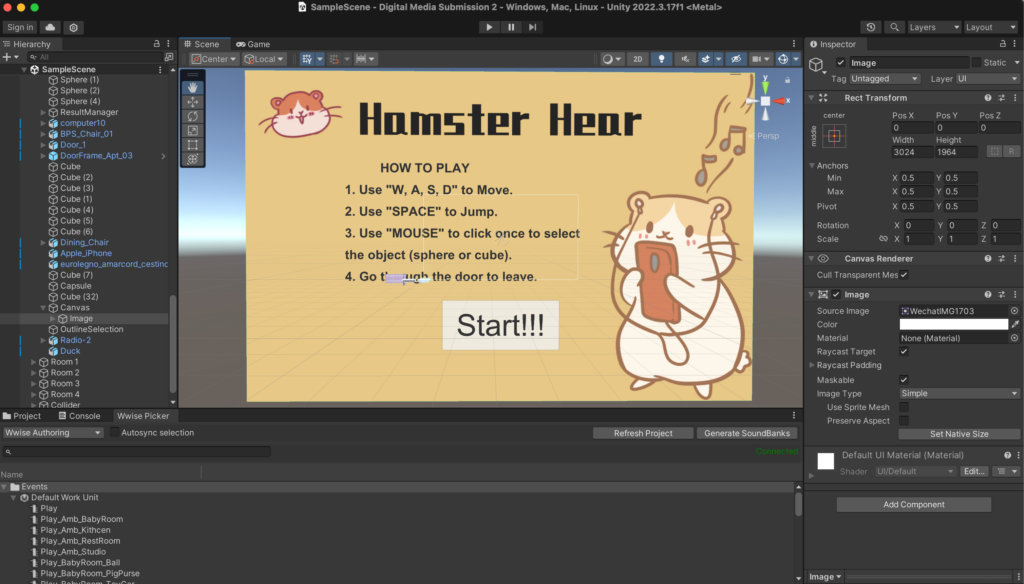
- 1. Create a cover for the game.
This cover has two functions. First, the painting style is very cute and healing, which attracts people to play the game. Second, it can write down the operation methods of the game so that players can have a clearer understanding of how to play the game.
Here’s how to play the game:
Use “W, A, S, D” to Move.
Use “SPACE” to Jump.
Use “MOUSE” to click once to select the object (sphere or cube).
Go through the door to leave.
After players read the operation guide on the cover, they can enter the game by clicking the “Start” button below. At this time, there will be a voice to guide the player to enter the subsequent room by colliding the sphere.
- 2. Solved the problem of not obvious changes before and after selecting objects.
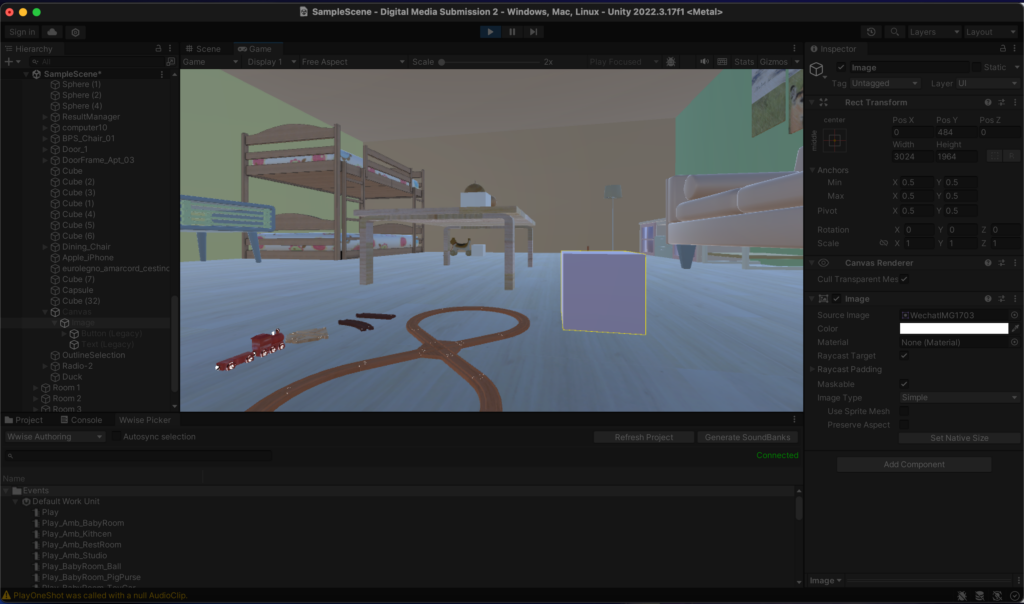
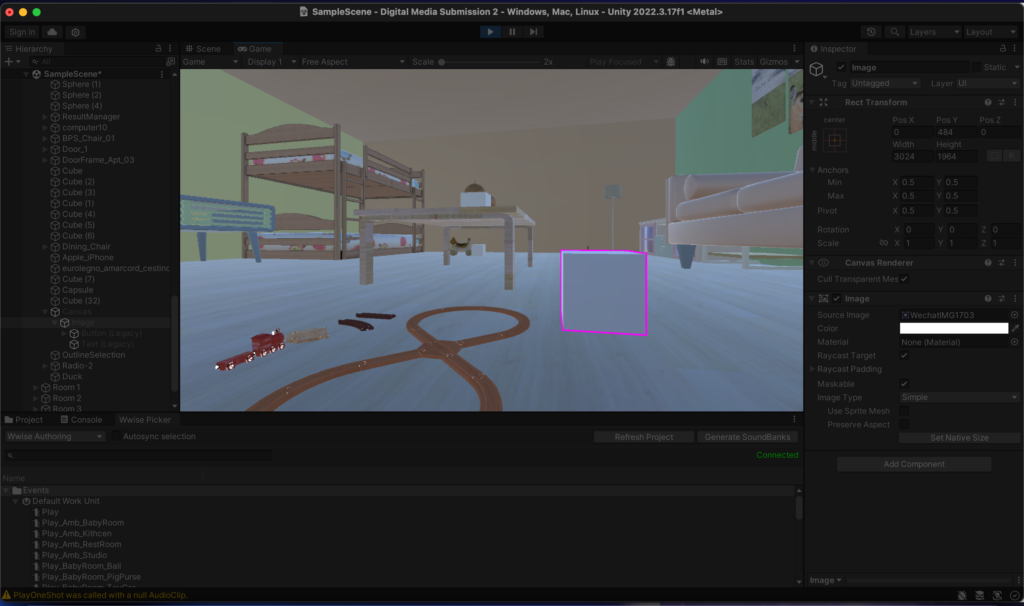
In the game project during the performance, the object before selection is white and the object after selection is light blue. Since each room is closed, the light in the room is not very bright, so the colors before and after the selection look similar. This gives many players the illusion that the selection has not been successful, and they will click on the object many times to confirm. However, this may result in an even number of clicks, and the system will not count the object as successfully selected. So I made adjustments when perfecting the project, as shown in the picture. The upper picture is the color when the mouse is placed on the object, and the lower picture is what the object looks like after the mouse is clicked. So when the edge of the object turns purple, that means the object is successfully selected. In this case, players can see clearly.
- 3. Use simple cubes and spheres instead of complex models.
When we first set up the game, in order to make the game look better, we originally thought of using complex models to make the sounds themselves. This will allow players to feel the source of the sound more intuitively. For example, if the player encounters a toy horse, there will be a sound made by the toy horse, which may be more vivid. But when the player needs to select an object, the complex model cannot change the color, and the game cannot proceed. We tried the same operation on a simple cube and found that the problem was not with the “Selection” script. So in the end we chose to place simple cubes and spheres next to the model and let them replace sound generation and selection.
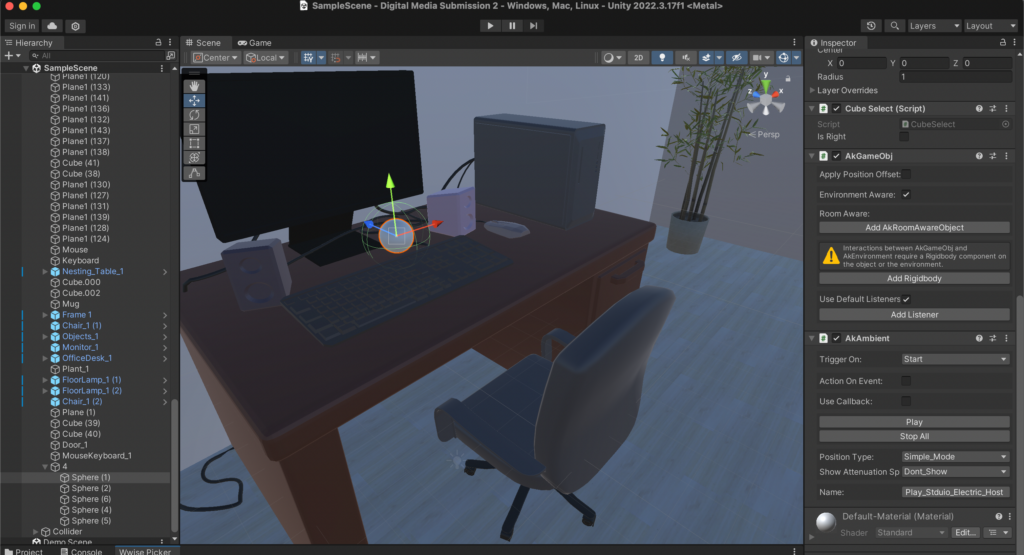
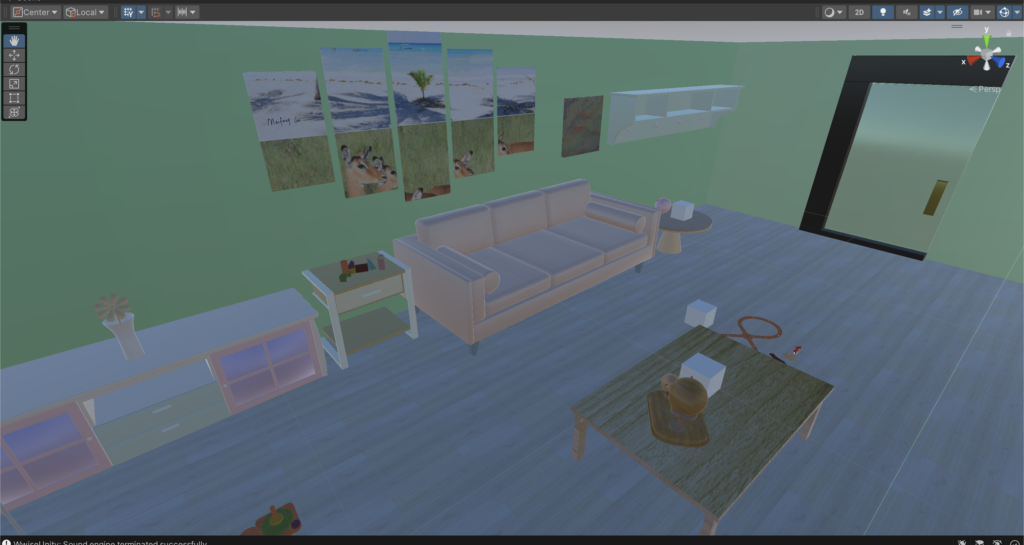
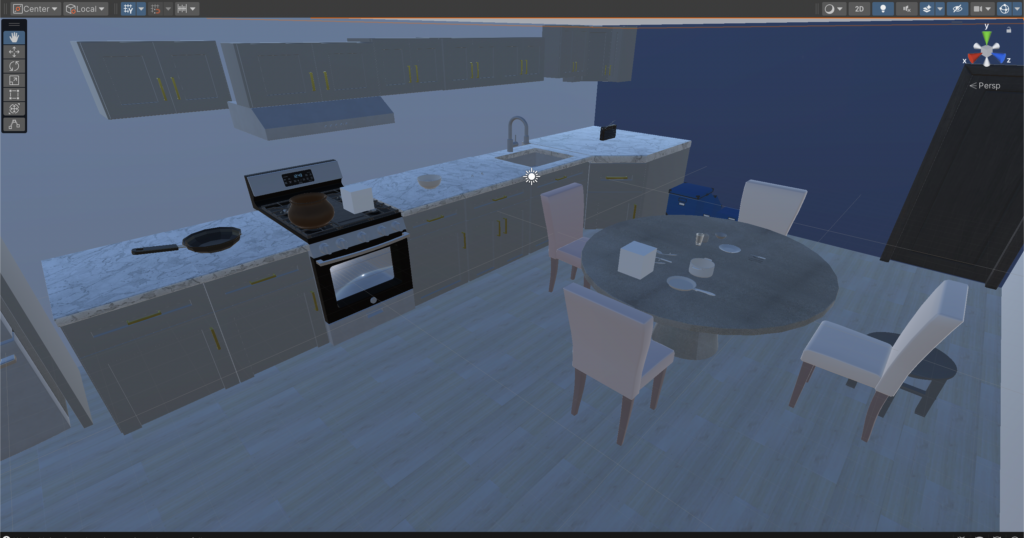
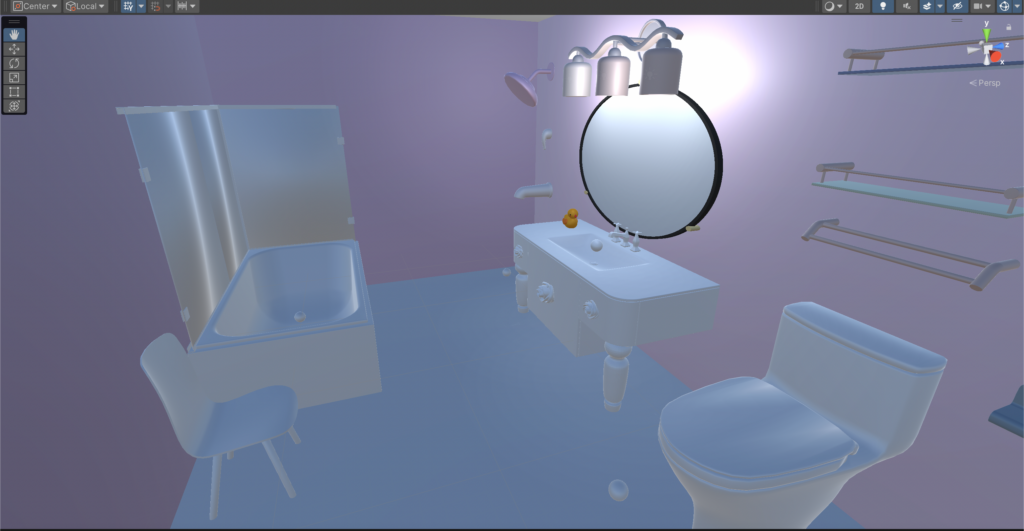
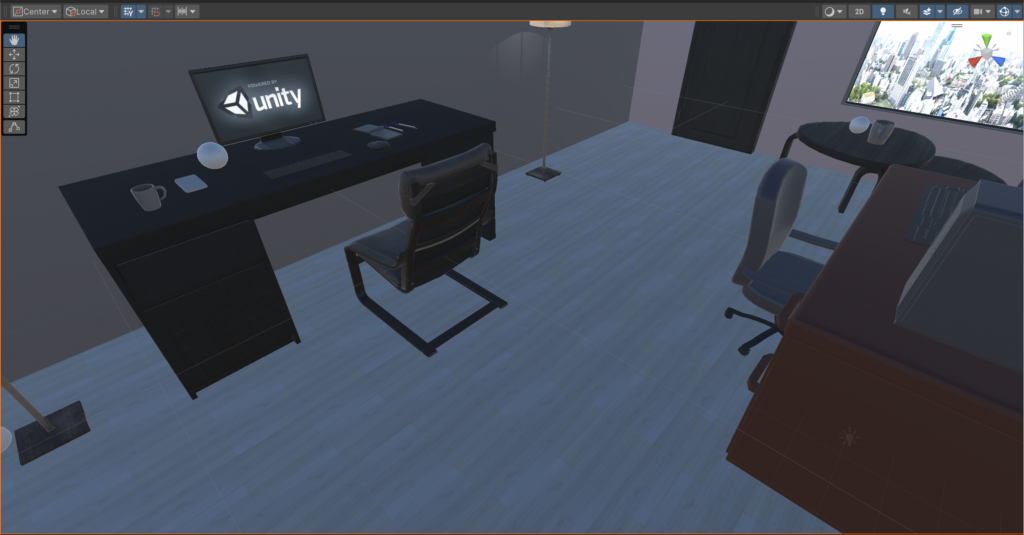
- There are what the game project finally looks like.