- 1. We want to make the game difficulty of each level upgraded and the gameplay different. Therefore, the first two levels make a sound when it collides with an object, and the last two levels make a sound when it is close, and the closer the distance, the louder the sound. 
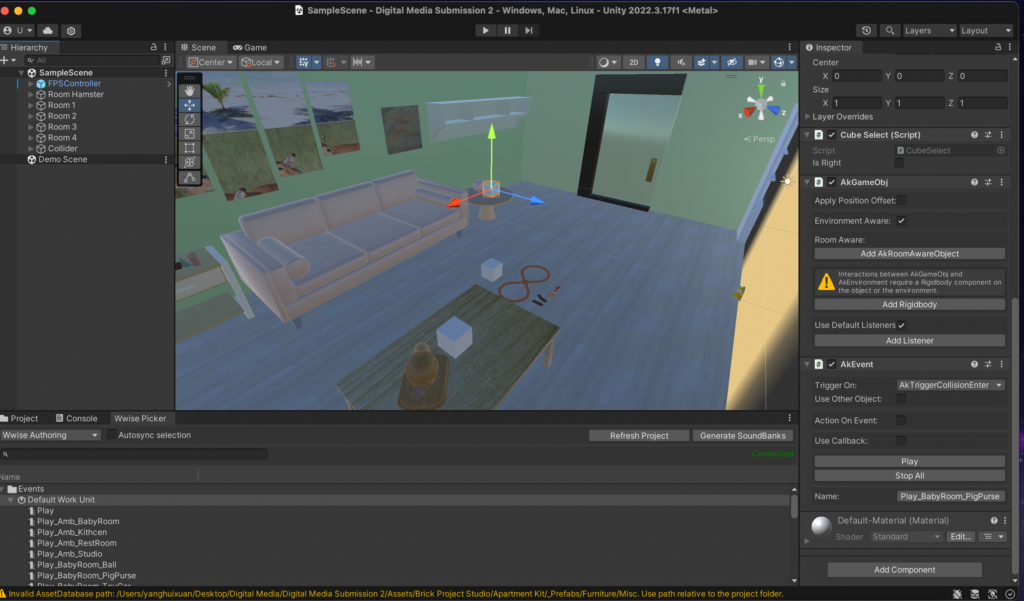
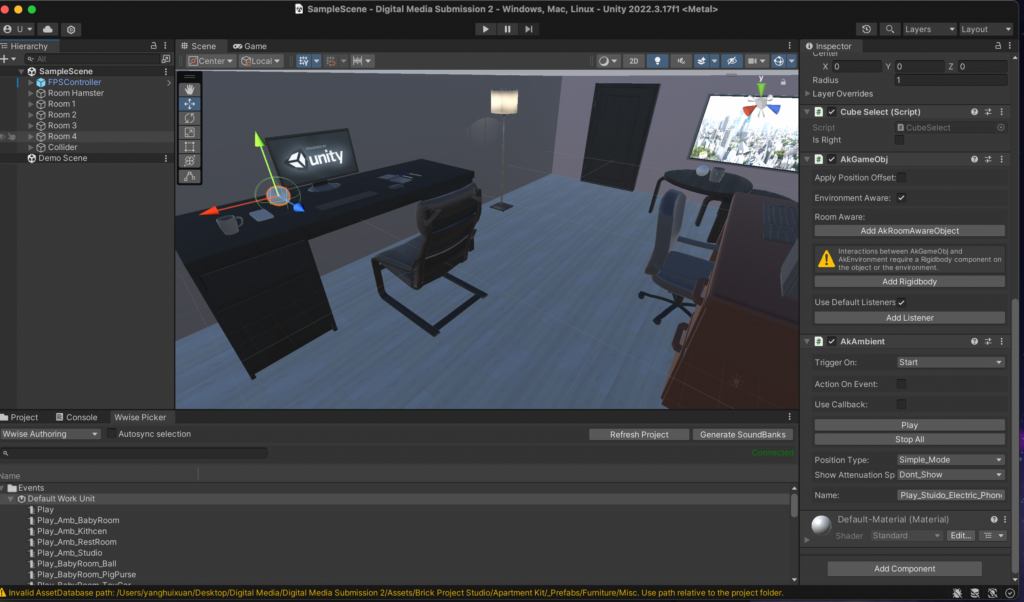 As shown in the figures, AK Event and AK Ambient are used respectively. Before using this method, I wanted to expand the object’s sound range, so I chose to turn up the object’s collider and use AK Ambient at the same time. However, through various attempts, I found that when Wwise and Unity are well connected, the object cannot make any sound. After research, it was found that the “Position” in Wwise should be changed, and then the AK Ambient should be changed to “Start”. The above goal can be achieved without relying on the collider size. 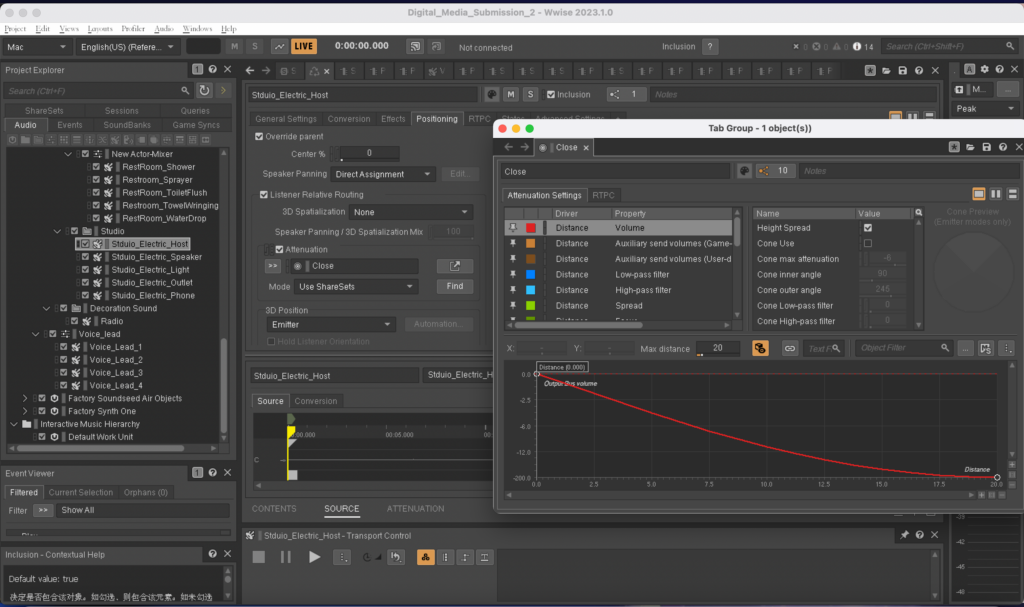
- 2. Add hamster sounds to the project.
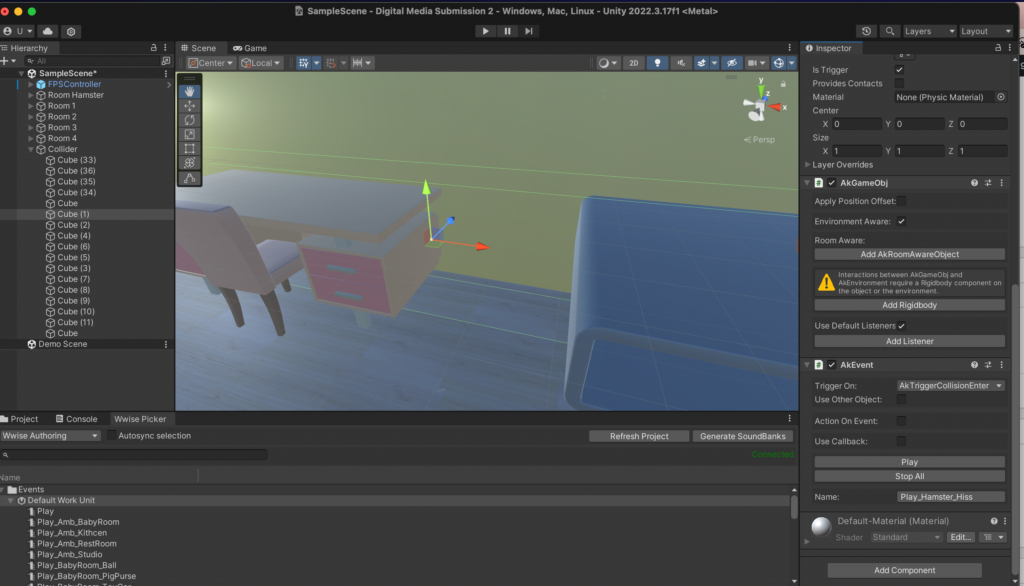
Appropriately adding the sound of hamsters while the player is walking can make the player more immersive. I thought about how to add some random hamster sounds more simply, so I chose to make some invisible cubes scattered everywhere and add random sounds to them. But if I do this, I need to consider the route the player takes. There are many uncertain factors and it is also very cumbersome. Then I thought of making four invisible cubes near the four walls. From the player’s perspective, when the hamster hits the wall (or furniture), it will make a sound. It will also be more lively.
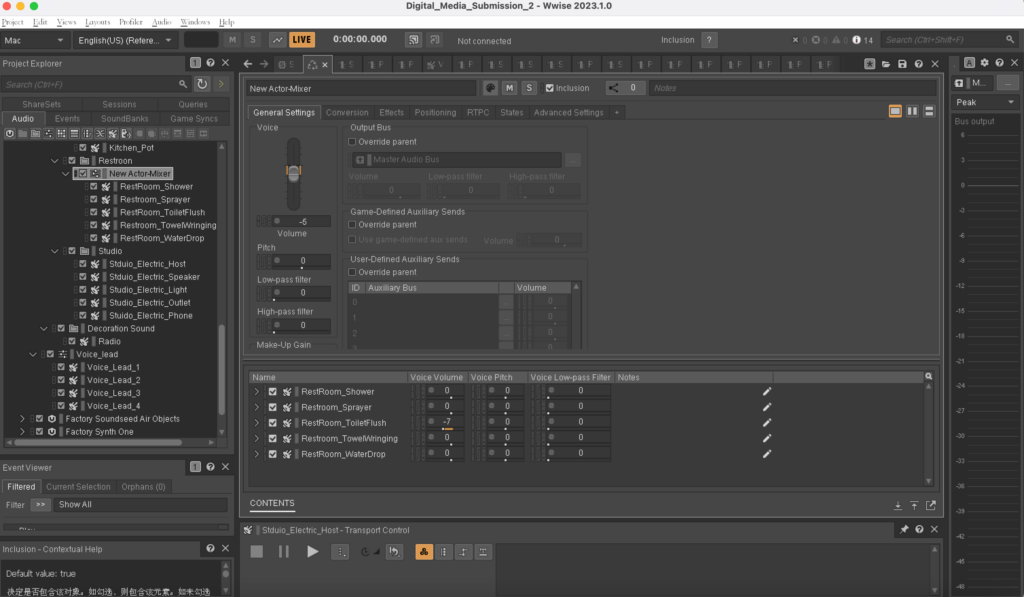
 3. The sound levels of several objects in the bathroom and studio room were uneven. I adjusted the levels of each object to be more balanced so that no one object would be heard to be too loud. Add an appropriate amount of reverberation in the bathroom and radio sound in the kitchen to distinguish the different environments and textures of each space.
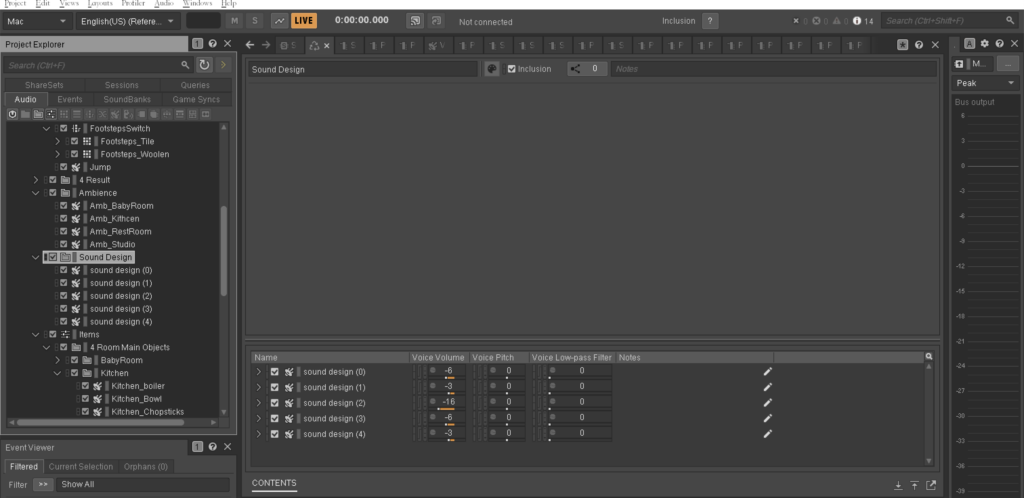
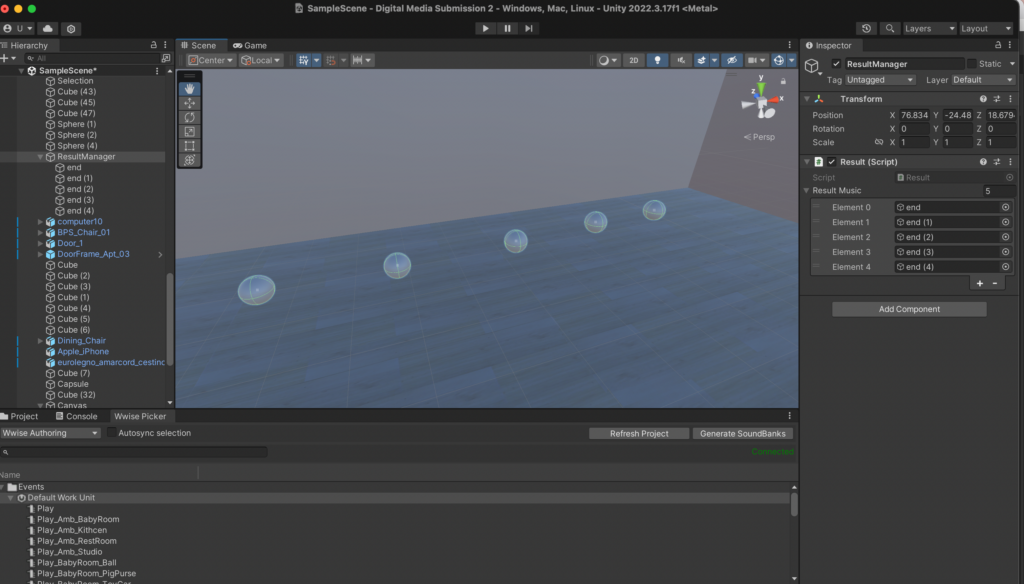
- 4. Complete the ending sound design. There are now five endings, which are 0, 1, 2, 3 and 4 correct objects. Each sound design is different, but all are very interesting and creative. Place the 5 ending sounds on the 5 spheres in the last hamster room. When the player plays through it once, a unique sphere will appear based on the correct number he chooses. The player can get a piece of sound design audio by touching that sphere.
- 5. Add ambient sounds that match the scenes in four rooms.
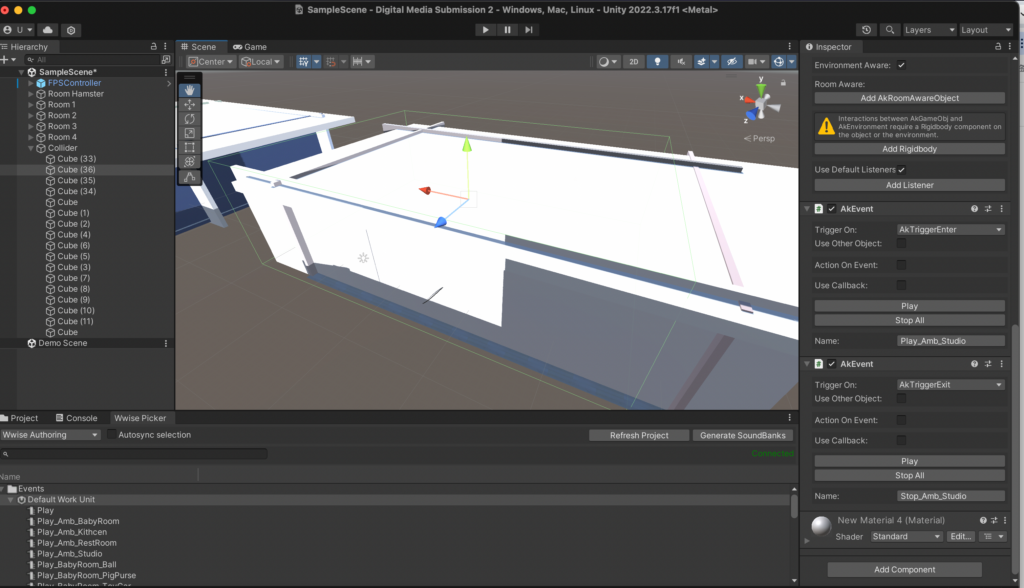
I’m having a problem adding ambient sounds. The method I use is to use a large cube to cover the entire room and then make it invisible. Add AKEvent’s AKTriggerEnter and AKTriggerExit functions to the cube to start and end ambient sounds. However, after using this method, the ambient sound can be played in the room, but it cannot be stopped when leaving the room. Then we used the AKState function, but it still couldn’t solve our problem. Later, after a long period of trying, I finally discovered the problem. This is because the gameplay of our game is to teleport to the next room when the player touches the door. It may be because the player is teleported to the next room without completely passing the edge of the invisible cube, so the stop function cannot be used. I put some distance between the cube and the door and tried again. The ambient sound can be played and stopped normally.
- 6. Add jumping and footsteps sounds. This is achieved by changing the first-person controller code. Use different footsteps sounds on different floor textures.
- 7. Add guidance voice.
At the beginning of the game, play “Hi hamster here, let’s collect some interesting sounds for your own sound design. Touch this sphere and listen carefully”.
When entering the toy room, play “Remember the sound you just heard. Touch the object and listen. Now select the only object that sounds most similar to you. If you’ve made your choice, just walk out the door to the next room”.
Play “In this room, you only need to be close to the object to hear it” in the bathroom room.
Play” This is the end about your sound design, go ahead to touch and listen”. Play after a few seconds “If you want to restart the game just press the escape”.