1.Game Concept
Game Title: Darkness
Genre: Adventure, Puzzle
Perspective: First-Person
Gameplay: Puzzle-solving, Survival
Number of Players: 1
Game Story:
In Darkness, the player takes on the role of a cat named Buster. At the start of the game, Buster finds itself trapped in a dark, misty maze, having lost its sight (or retained only minimal vision, able to see the fog and some nearby objects, but primarily relying on sound to complete tasks) and memory. The goal is to escape the dark mist. As the game progresses, the player follows sounds from different directions and gradually uncovers fragments of memory, eventually finding a way out of the mist.
Game Background:
Buster is a cat with special abilities. It has completed many tasks with a girl named Betty, guiding her to grow independent and courageous. In order to help Betty gain more courage, Buster sets up a series of dark, mist-filled challenges to test her. Buster temporarily erases Betty’s memory and swaps identities with her, allowing the player to complete the tasks from the cat’s perspective. Gradually, Betty regains her sense of identity and with Buster’s guidance, completes the challenges.
Gameplay Mechanics:
- Auditory-driven: Due to the lack of vision, the game design emphasizes sound as the primary means of interaction. There is a small, limited visual interface in the game, but most of the world is shrouded in mist. Most of the interactions and information gathering rely on sound. The player will hear footsteps, environmental sounds, object collisions, and voices from other characters.
- Stereo and Directional Sound: To enhance immersion, the game uses stereo and directional sound, allowing the player to accurately judge the position of their surroundings and objects. For example, the player can use the sound of footsteps in the distance to determine when enemies are approaching and hide, or follow sound cues to find hidden paths and items.
- Fragment Collection Example: During exploration, when collecting fragments, there will be special auditory cues that appear intermittently.
Main Objective:
Collect the fragments, uncover your memories, and escape the mist.
Side Objectives:
Avoid footsteps and dangerous objects.
Reference game:
2.Worked with team members to formulate preliminary concepts for game mechanics and collect relevant reference links
Leap Motion is an advanced gesture control technology that allows users to interact with computers through hand movements. It captures hand and finger movements with extreme precision and responsiveness through a small sensor device.Leap Motion can be used in a wide range of applications such as virtual reality (VR), augmented reality (AR), gaming, design, healthcare, and more.
Leap Motion uses infrared sensors to capture hand movements. These sensors can accurately detect the position, speed, and trajectory of the fingers, and can even sense small changes in movement. Leap Motion analyzes this data to convert hand movements into computer-recognizable signals in real time, enabling gesture control.
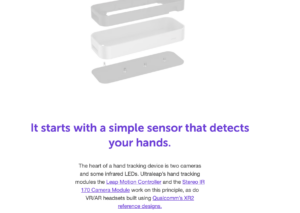
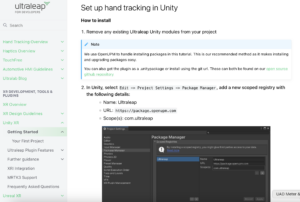
This is the official Leap motion tutorial for connecting to unity.
https://docs.ultraleap.com/xr-and-tabletop/xr/unity/getting-started/index.html

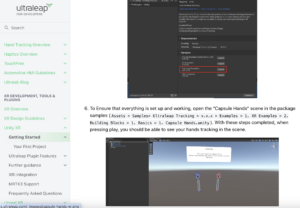
This is the official YouTube tutorial for Leap motion
https://www.youtube.com/user/LeapMotion
We also found the official Leap motion forums for technical queries
https://forums.leapmotion.com/latest
Specific examples of related games
An example of a similar implementation goal, such as using one gesture to control movement forward and a specific gesture to control the player’s jump.

Tools preparation : Unity, Leap Motion
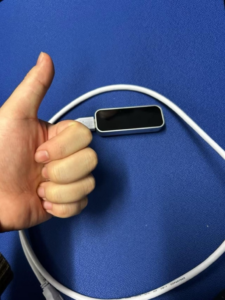
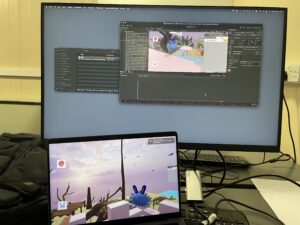
Everything is ready for testing!
3.Conception and Implementation of Unity Mechanisms and UI
Over the past few weeks, the Unity team has discussed and planned the game’s narrative, gameplay, mechanisms, as well as the start and end game UI.
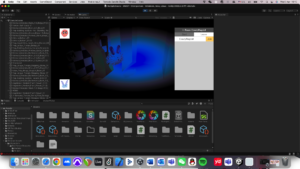
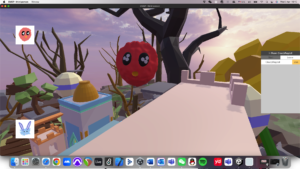
In the game, I have implemented mechanisms such as triggering elevator movement when the player interacts and requiring a key with the same sound as the door to unlock it. Additionally, I have created a simple version of the exit game UI. Below are my related videos and screenshots.
3.1 Elevator video
3.2 How the Elevator Mechanism is Implemented
I used a combination of object animation and scripting to make the elevator move when the player jumps onto it. The elevator follows the parameters set in the animation, moving to the designated position within the specified time.
3.2.1 Animation Part
First, I created an Animator on the object that needs to move, allowing it to follow my designed movement. Then, I set up an Animator Controller to manage how the animations transition between each other.
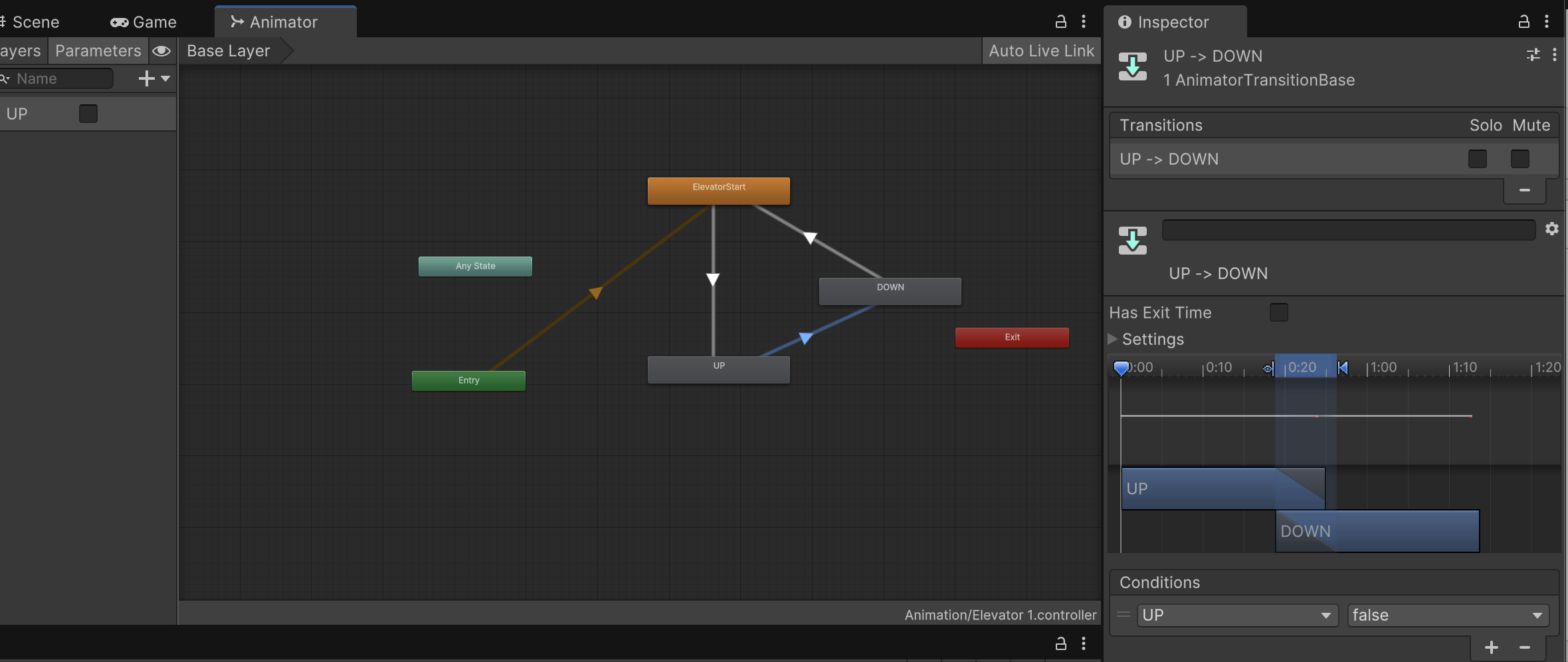
Figure 1
Figure 1 shows a screenshot of the State Machine and Animator parameters in the Controller. However, not all specific parameters are fully displayed in this screenshot.
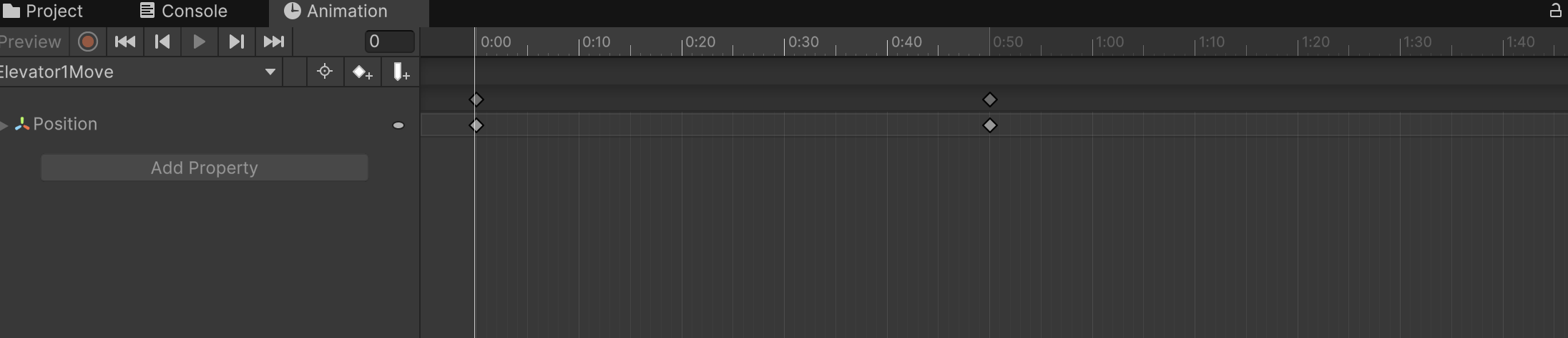
Figure 2
Image 2 shows the Animator I set up for the elevator, moving it from its original position to the designated position within 0.5 seconds.
3.2.2 scripts
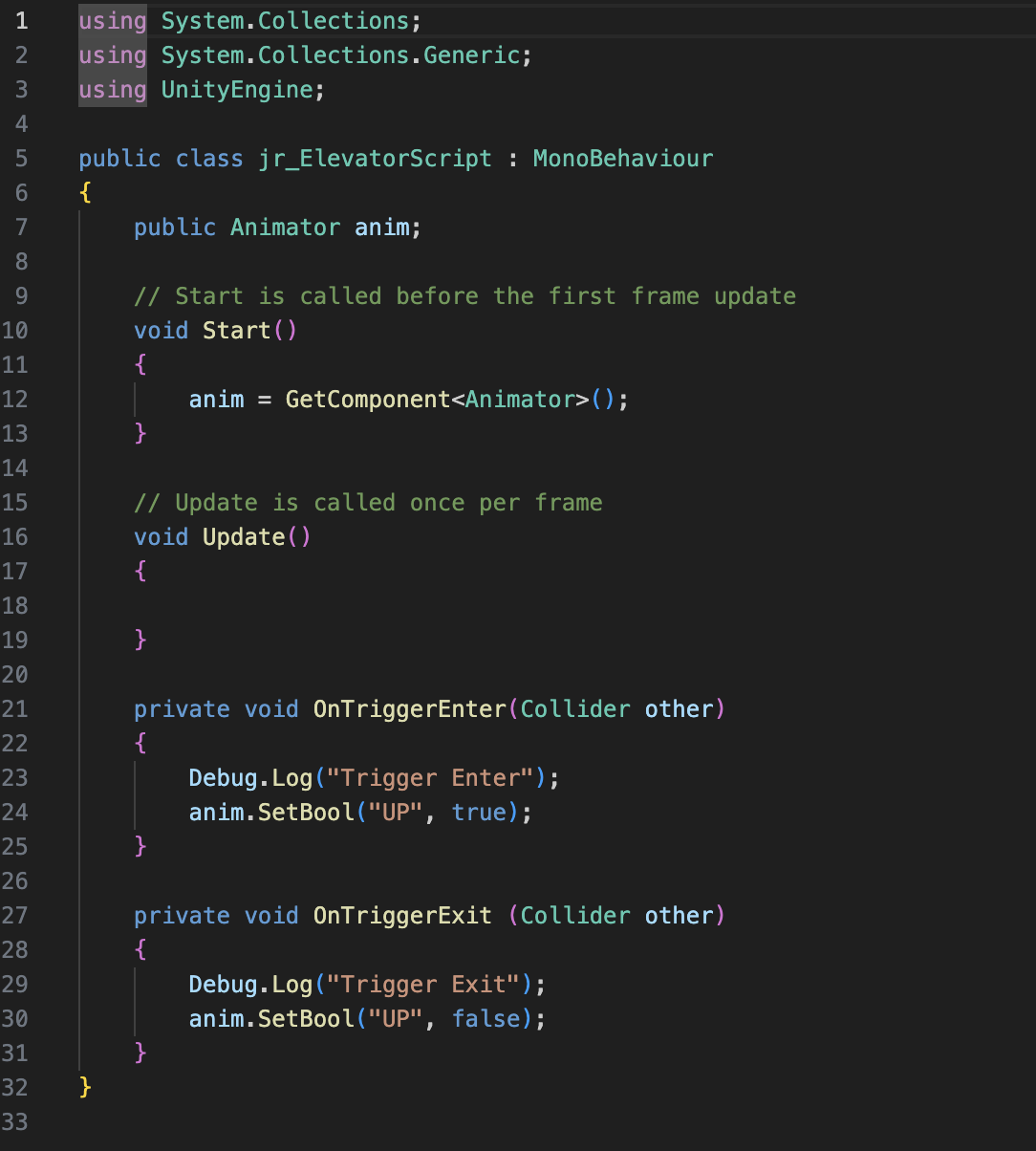
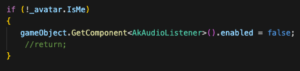
Figure 3 Completed by referencing Jules’ game script
3.3 Correct Key unlock door Video
3.3.1 How the Key Unlock door Mechanism is Implemented
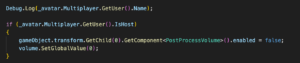
In the design of the mechanism for unlocking the door with the correct key, the approach is similar to that of the elevator. The key difference is that each object requires a sound, which I implemented through scripting, allowing the necessary sound to be directly imported. The second difference is that I needed to add a Pickup Key script to the player controller, enabling the player to trigger the door to open after obtaining the correct key.
3.4 Exit Game UI Video
3.4.1 How Exit UI is Implemented
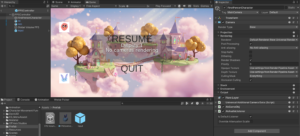
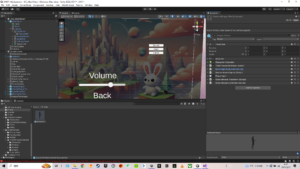
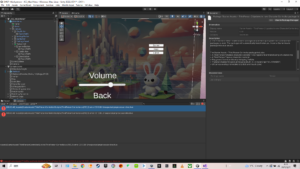
I initially designed a simple and clear exit game UI, allowing players to press the ESC key at any time to bring up options to either return to the game or exit. The Unity team discussed implementing different end-game screens based on the player’s ending. I will continue to follow up on this part of the UI design.