Any views expressed within media held on this service are those of the contributors, should not be taken as approved or endorsed by the University, and do not necessarily reflect the views of the University in respect of any particular issue.
With the suggestion from Mr. Jules Rawlinson, I go through another Multiplayer package called Alteruna. It’s easy to implement into our group’s project and I ran it successfully.
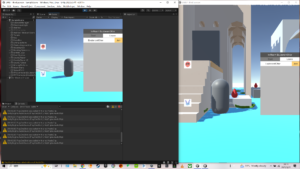
Two projects running in my computer in one game room
Just like Netcode for Game Objects, it spawns a player object from prefab when a new player enter the game. But I run Alteruna successfully so I moved my focus to it as frame for multiplayer system. The problem for me still is how to vary setting from two players.
Discussions
Plan
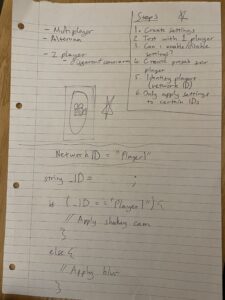
Later I had a meeting with Mr. Joe Hathway who gave me valuable advice on integration and game mechanism realisation. As we have successfully created settings of blurred camera in single player project and ran it, next step is figuring out how to enable/disable these settings in multiplayer Prefab. Our plan is to find out a way to identify certain player by IDs(network ID). There are a complete document about Alteruna namespaces: https://alteruna.github.io/au-multiplayer-api-docs/html/G_Alteruna.htm
Fortunately, we found the one called UserID and GetID which may be used in our realisation of ID identify.
Structure and Progress Steps Draft by Joe
Realisation
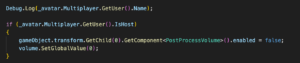
Next day I had a meeting with Mr. Jules and we successfully implement both multiplayer and different camera settings through Alteruna in a test scene. Because there are only two players in our project, we use “IsHost” to identify whether the player is Host or not in order to identify certain player and enable / disable post processing volume added to the First Person Controller’s script in Prefab. https://alteruna.github.io/au-multiplayer-api-docs/html/P_Alteruna_User_IsHost.htm
GetUser + IsHost to identify host & client players
Thanks for Mr. Jules, this meeting helps me to decide using Alteruna as Multiplayer package instead of Netcode.
Implemetation
Finally, I implemented Alteruna multiplayer into our game project and it works well.
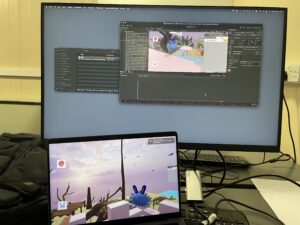
Testing project in one computer
But there are some problems happening.
When playing through two computers, two players can only see each other’s flashing shape when they are moving. It works well when playing in one computer, may because of some network refresh settings.
The players now have one module on their FPS controller. How to allocate different modules is the next step. My idea is enable / disable module added in FPS controller depends on the host and client identity.
I haven’t add the post processing camera because our final project is modifying by other group member to implement more mechanisms.
More mechanisms may need to be synced in our project and I need to figure out how to do it through Alteruna.
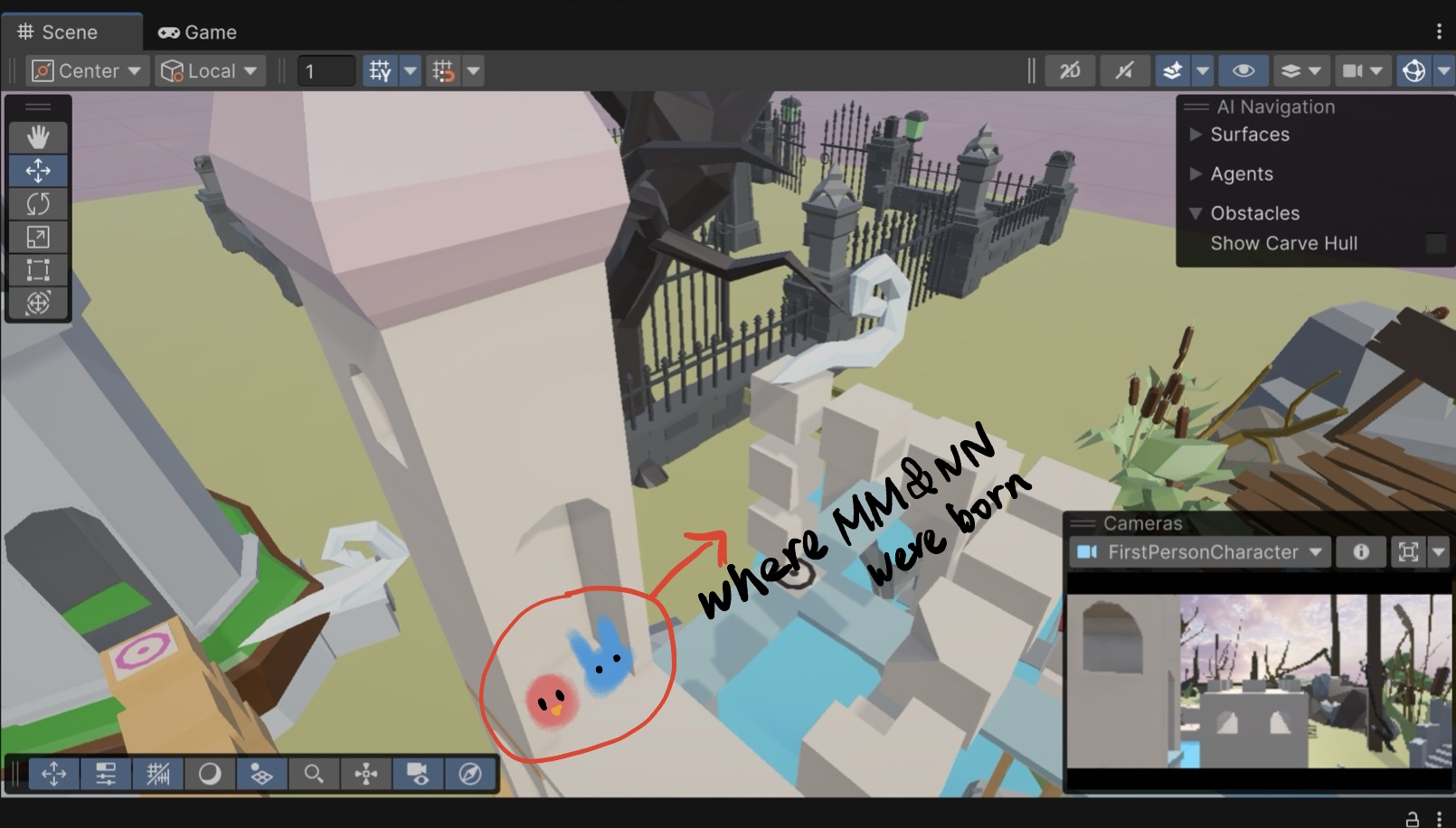
The game characters MM and NN are small creatures living in a garden, where the maze is also located and it becomes a fundamental place for them, therefore everything that’s going on in the outside is not as important as what is happening with their journey, but the ambience continues anyway.
Field recording
Different places were selected to capture the sounds of birds, wind and a little bit of human presence to create the perfect ambience of a garden.
Royal Botanic Garden
An important place for the recordings was the Edinburgh Botanic Garden. Every sound source that is usual in a garden was found there, like birds, leafs, wind, some squirrels and even a small waterfall.
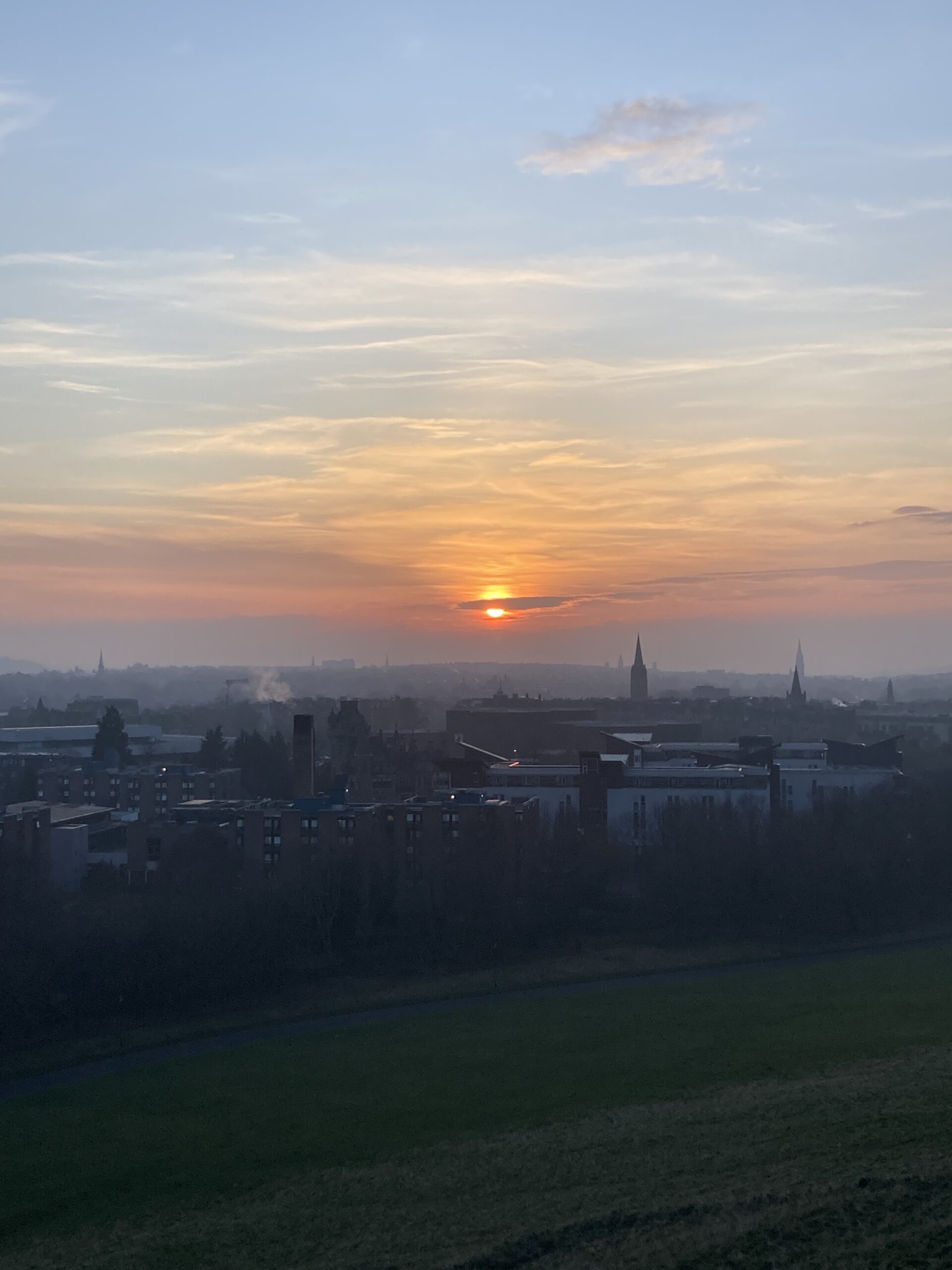
This park has a wide landscape that comes very useful for various field recordings, like wind, natural quiet ambiences between hills, ducks, seagulls, cars, people and more.
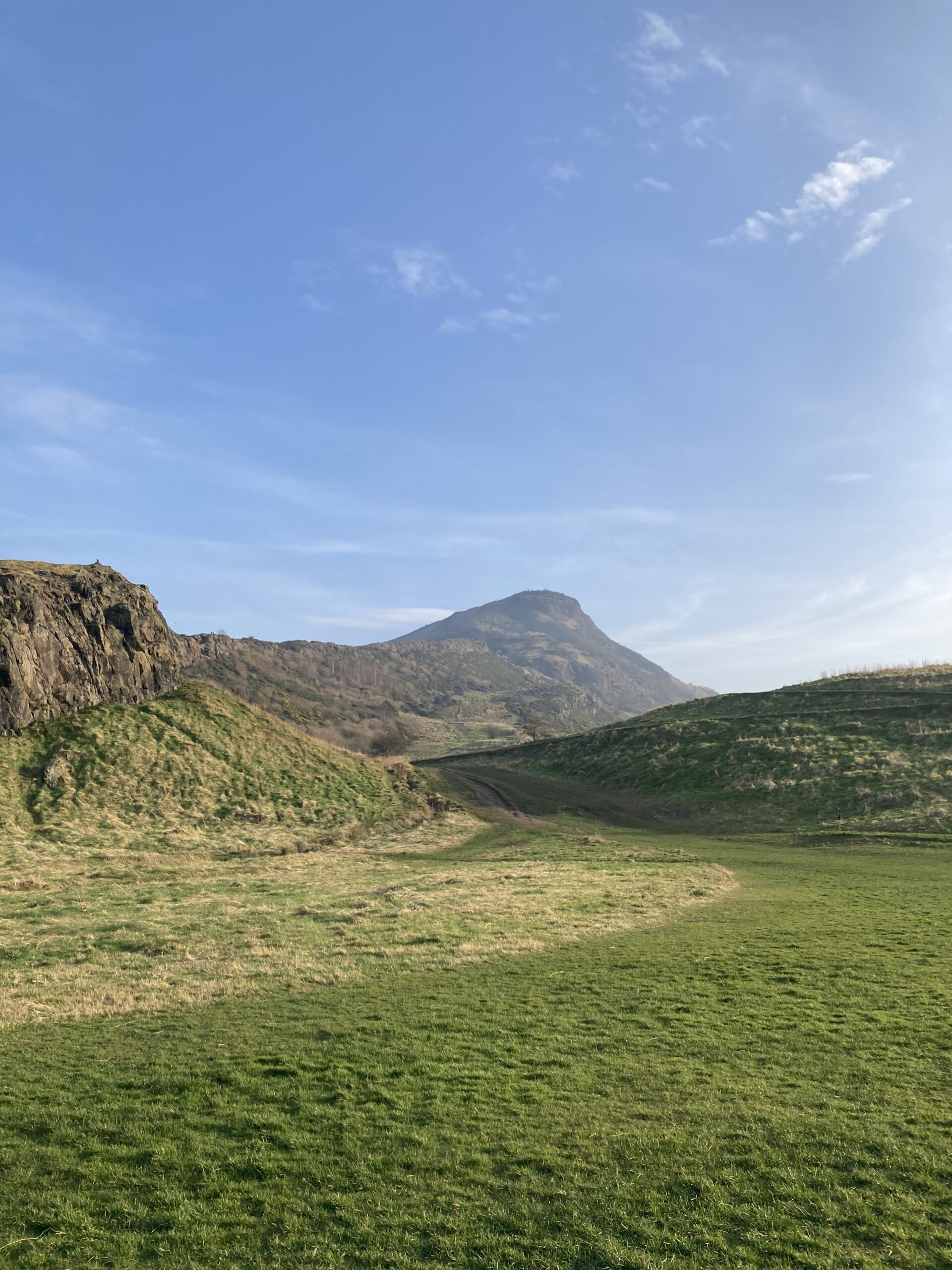
Arthur’s SeatHolyrood Park hill
Local Gardens
Other small gardens were also recorded to capture a more private and quiet soundscape.
As the narrative designer of MM&NN, one of my core goals has been to explore how characters might communicate in a world where language—at least in its conventional, verbal form—does not exist. In this game, MM and NN do not speak in words, but in sounds. And in those sounds, in their rhythms and reactions, lies a new kind of storytelling.
This week, I focused on prototyping their non-verbal communication system, a mechanic that lies at the intersection of narrative design, world-building, and tutorial functionality.
⚠️ Note: The placeholder vocalizations shown here are temporary. All final sound design will be developed and implemented by our audio team.
The Design Goal: Language Through Interaction
Rather than relying on subtitles or exposition, we wanted players to understand MM and NN’s intentions, emotions, and decisions through behavior, context, and sound. This creates a sense of intuitive immersion—players are not told what’s happening, they feel it, they interpret it.
In MM&NN, sound is language. And because each character has a different perception—MM navigates through audio, NN through visuals—their shared “language” must emerge from collaboration.
First Encounter: A Conversation in the Dark
At the start of the game, MM and NN awaken in a pitch-black section of the maze. In front of them: three diverging paths. One holds the key to the next area. But which?
The scene plays out with simple vocalizations and gestures:
Character
Line
Meaning
Behavior
NN
“Pu?”
Should we go forward?
Points ahead
MM
“Mu.”
No. That’s not right.
Shakes head
NN
“Ka?”
What about left?
Draws arrow on ground
MM
“Ni!”
Yes. That’s the safe way.
Nods and leads the way
Later, they encounter a hidden trap:
🟡 NN: (Points forward) “Pu?” (Should we go forward?)
🔵 MM: (Listens carefully, then shakes their head) “Mu.” (No, that’s not the right way.)
🟡 NN: (Thinks for a moment, then draws an arrow on the ground pointing left) “Ka?” (Then left?)
🔵 MM: (Closes their eyes, listens, then nods) “Ni!” (Yes! Left is safe.)
🟡 NN: (Takes a step forward, MM follows.)
Tutorial Prompt
✔ “Pu?” – Asking if they should move forward.
✔ “Mu.” – No, that’s not right.
✔ “Ka?” – Asking if they should go left.
✔ “Ni!” – Confirming the correct choice.
🔵 MM: (Suddenly stops and makes a sharp sound) “Sha!” (Danger!)
🟡 NN: (Stops immediately, looks back, confused) “Luu?” (Where is the danger?)
🔵 MM: (Points at the ground ahead, then steps back) “Ba! Ba!” (Move back!)
🟡 NN: (Carefully steps back. A second later, the ground ahead collapses, revealing a deep pit.)
🔵 MM: (Points to a different, safer path) “Ni!” (This is the right way.)
🟡 NN: (Follows MM, avoiding the trap.)
Tutorial Prompt
✔ “Sha!” – Warning! Danger!
✔ “Luu?” – Asking where the danger is.
✔ “Ba! Ba!” – Telling the other to move back.
They continue forward and finally find a glowing key in a small room! NN picks it up, the entire room lights up, and a door to the next area opens.
🔵 MM: (Taps NN’s arm) “Ni!” (We did it!)
🟡 NN: (Nods slightly, holding the key tightly, and moves forward.)
🎮 [Next Level Begins…]
Language as Mechanic: Teaching Through Play
This system is not just for flavor—it serves as the foundation for our immersive tutorial experience. Instead of showing UI prompts or explicit directions, players learn the meaning of each sound through repetition and interaction.
Current design goals include:
A non-intrusive tutorial where sounds and gestures naturally introduce language through context.
An evolving player vocabulary: the more the player observes, the more fluent they become in MM and NN’s communication.
The vocal system is also deeply embedded in MM&NN’s world and story themes. Since the entire game is built around dual perception—visual vs. auditory, illusion vs. reality—the absence of traditional language allows us to emphasize embodied communication.
These sounds become a metaphor for how connection forms in uncertain environments: not through clarity, but through shared rhythm, risk, and response.
Next Steps (with the Audio Team)
While I’ve mapped out the core vocabulary and use-cases from a narrative perspective, all final audio design and vocalization development will be handled by our sound design team.
Their next tasks include:
Defining the tonal quality and emotion of each vocalization (e.g., pitch, intensity, texture)
Creating differentiated sound palettes for MM and NN
Adding subtle audio-reactive environmental cues (like how the maze “responds” to certain sounds)
Exploring communication breakdowns (e.g., ambiguity, mimicry, silence) as narrative devices
Inspirations: Learning from Games That Speak Without Speaking
The idea of crafting a unique language for MM and NN didn’t come out of nowhere—it was deeply inspired by several games that have beautifully embraced non-verbal or pseudo-linguistic character expression.
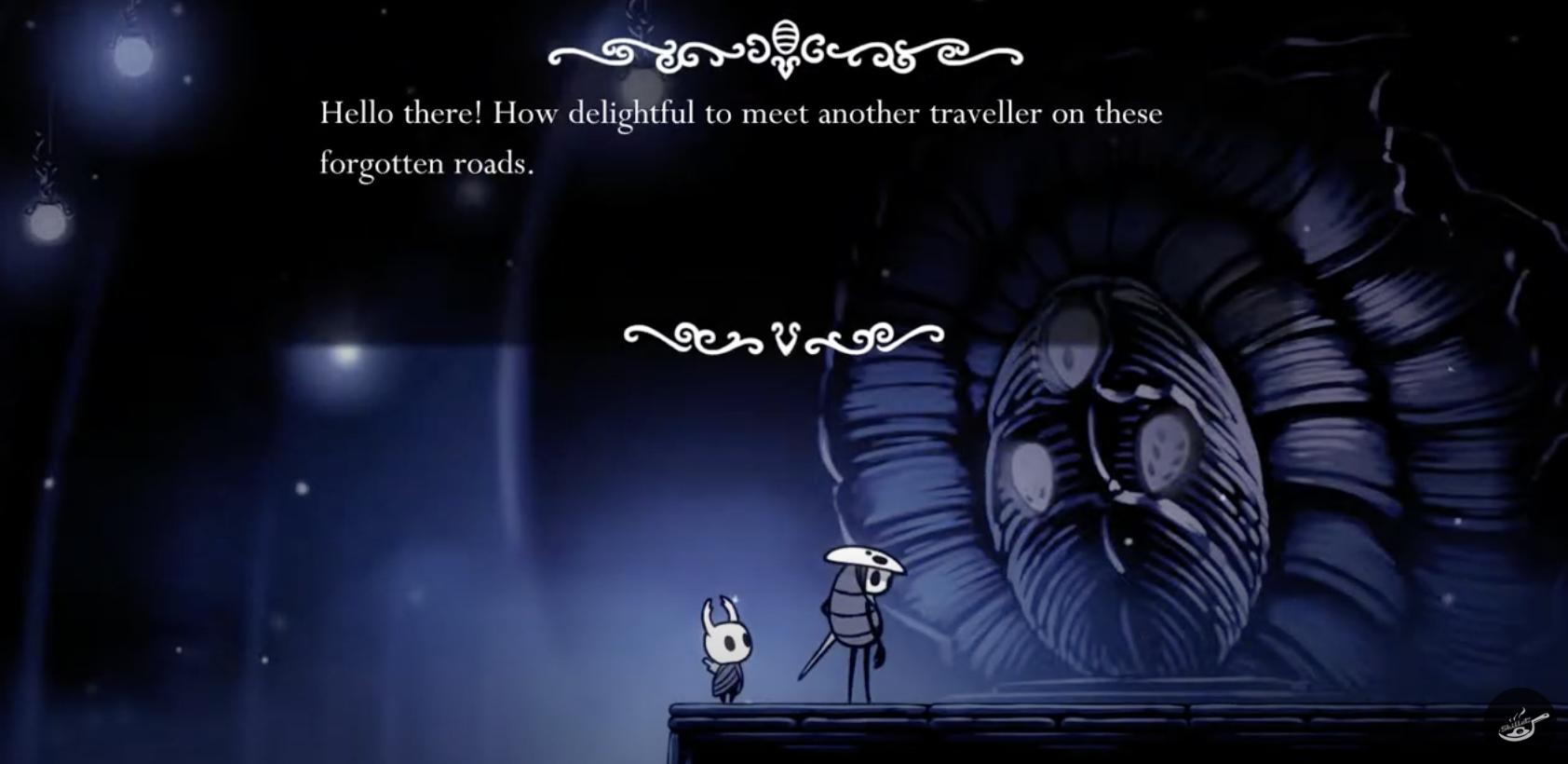
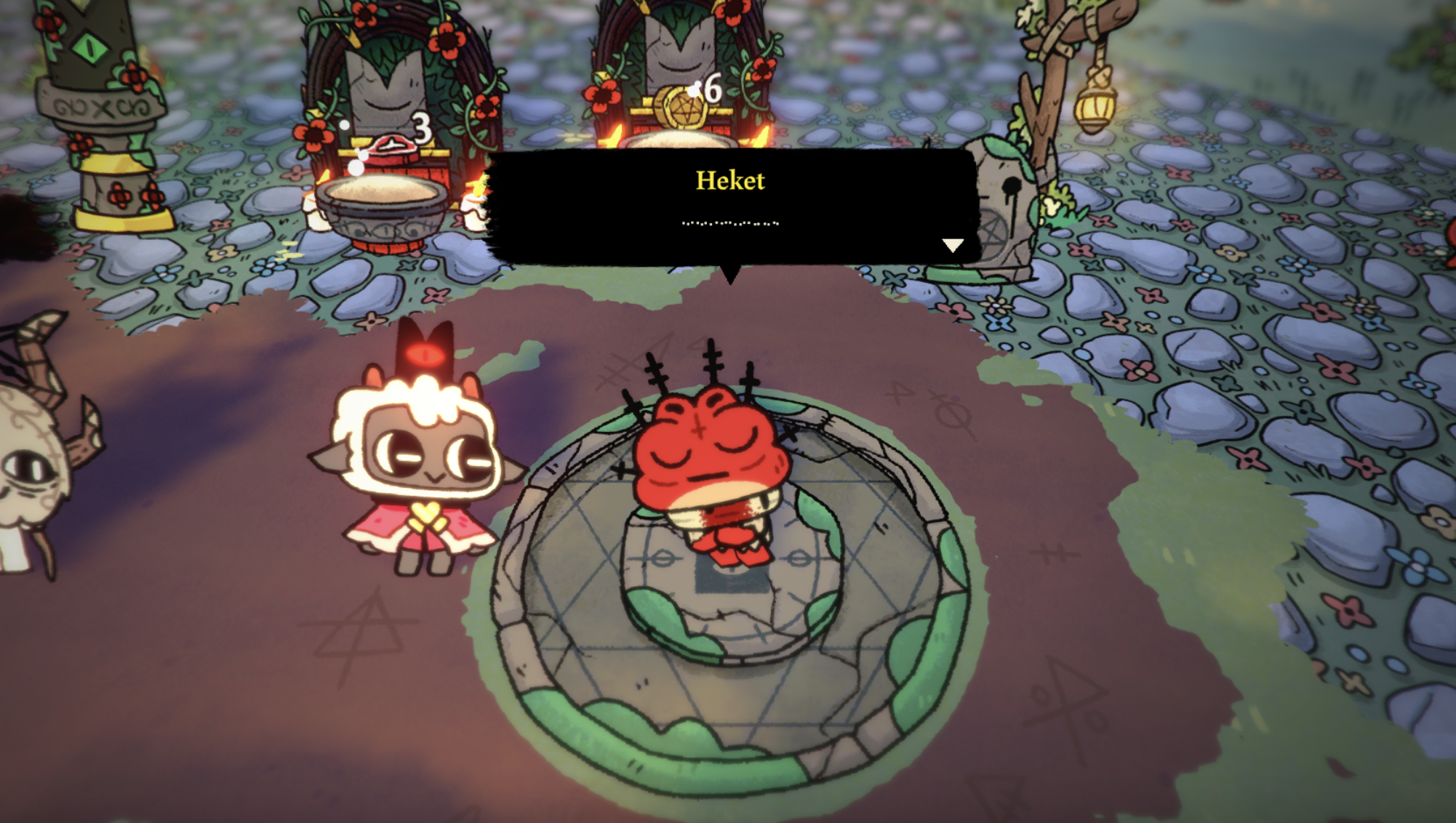
Games like Hollow Knight, Cult of the Lamb, Minions (from broader media), and Ori and the Blind Forest all demonstrate how character-specific sound design can become a language in itself—conveying tone, emotion, and intent without relying on traditional dialogue systems.
In Hollow Knight, brief utterances—grunts, chirps, and sighs—build a melancholic, wordless world of underground wonder.
Cult of the Lamb uses playful, randomized vocalizations to give each character a quirky personality without breaking flow.
The Minions franchise created a near-universal comedic language out of gibberish—highly expressive and emotionally direct.
These examples showed me how sonic identity can become a fundamental part of storytelling. In MM&NN, I hope to continue that tradition—where every “Ni!” or “Sha!” isn’t just a mechanic, but a narrative moment in its own right.
Final Thoughts
In MM&NN, communication is not about language. It’s about attention, response, and intuition. This developing system of vocal exchanges is just the beginning of a deeper emotional and mechanical dialogue between player, character, and world.
Through this system, I hope to guide players into a state of play where meaning is not told, but felt—and where even the simplest sound can become a bridge between two lost voices in the maze.
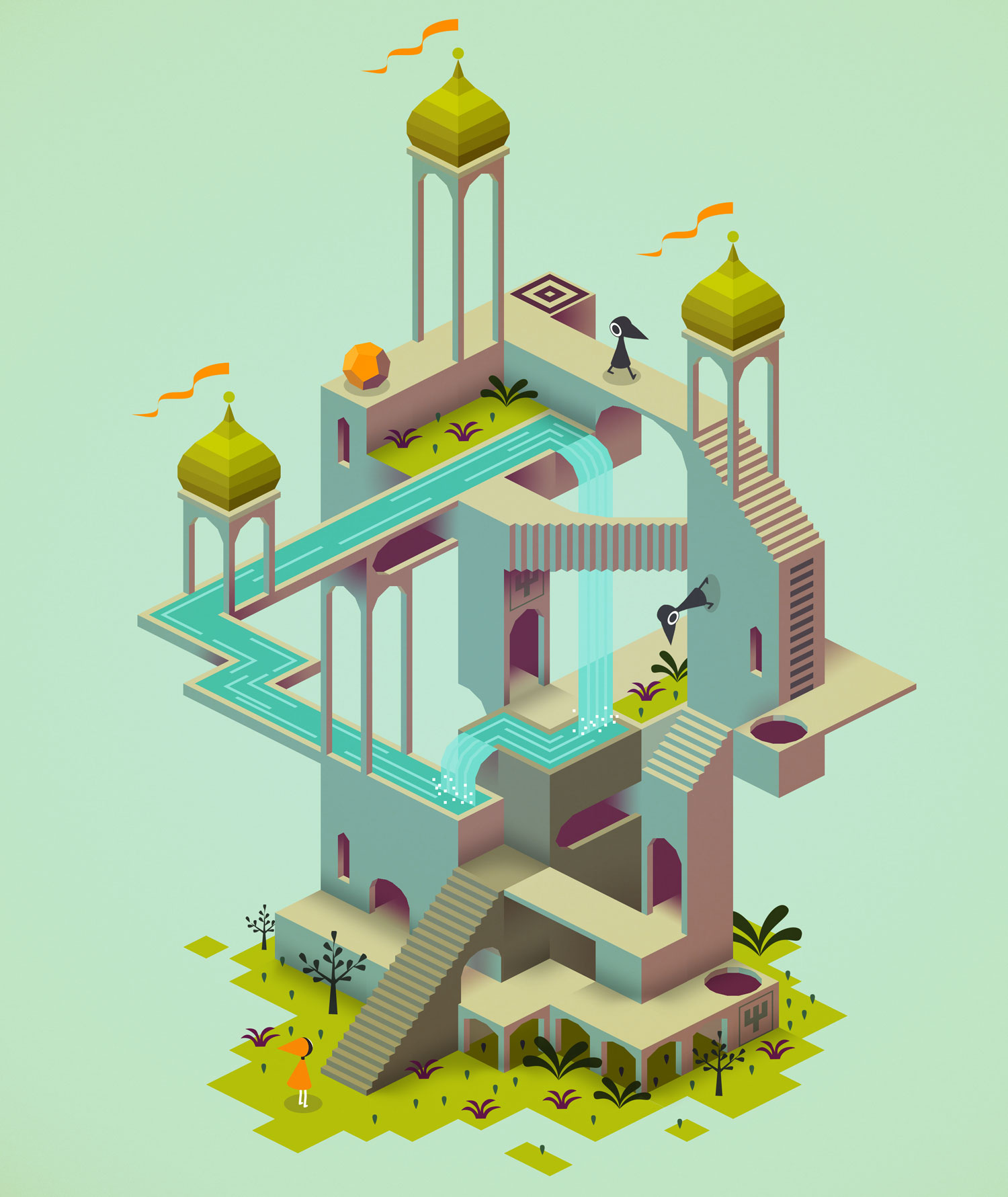
Last week I created the first version of the music theme that will be played in the Main Menu of the game. The timbre and dynamic is related to the visual concept of the game which is based on Monument Valley, but with a mysterious purpose and cute looking characters.
Monument Valley Game
I played with the parameters of synthesizers to create a playful, but curious melody.
I also made a few User Interface sounds for when the players move the cursor over the Menu options and make their selection.
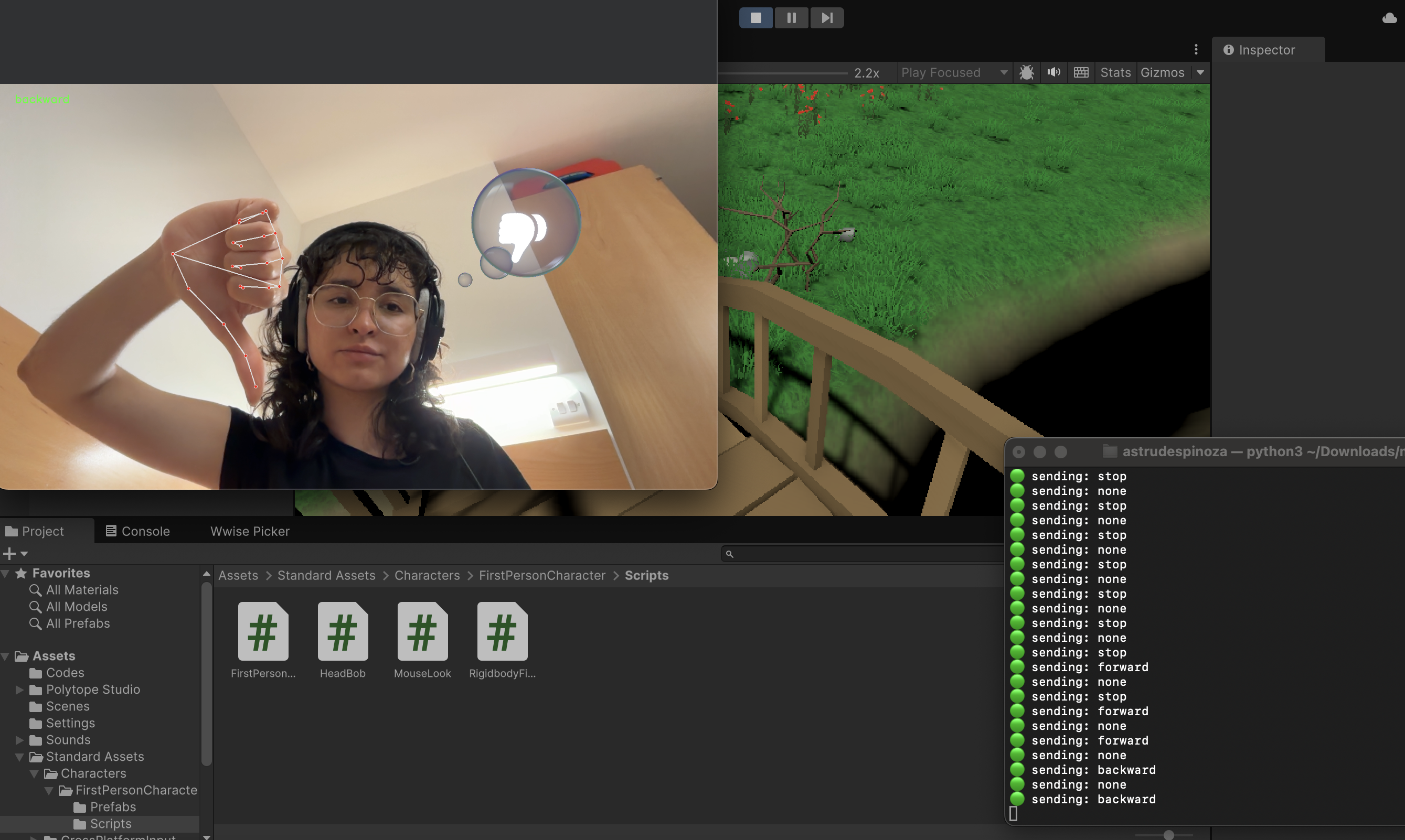
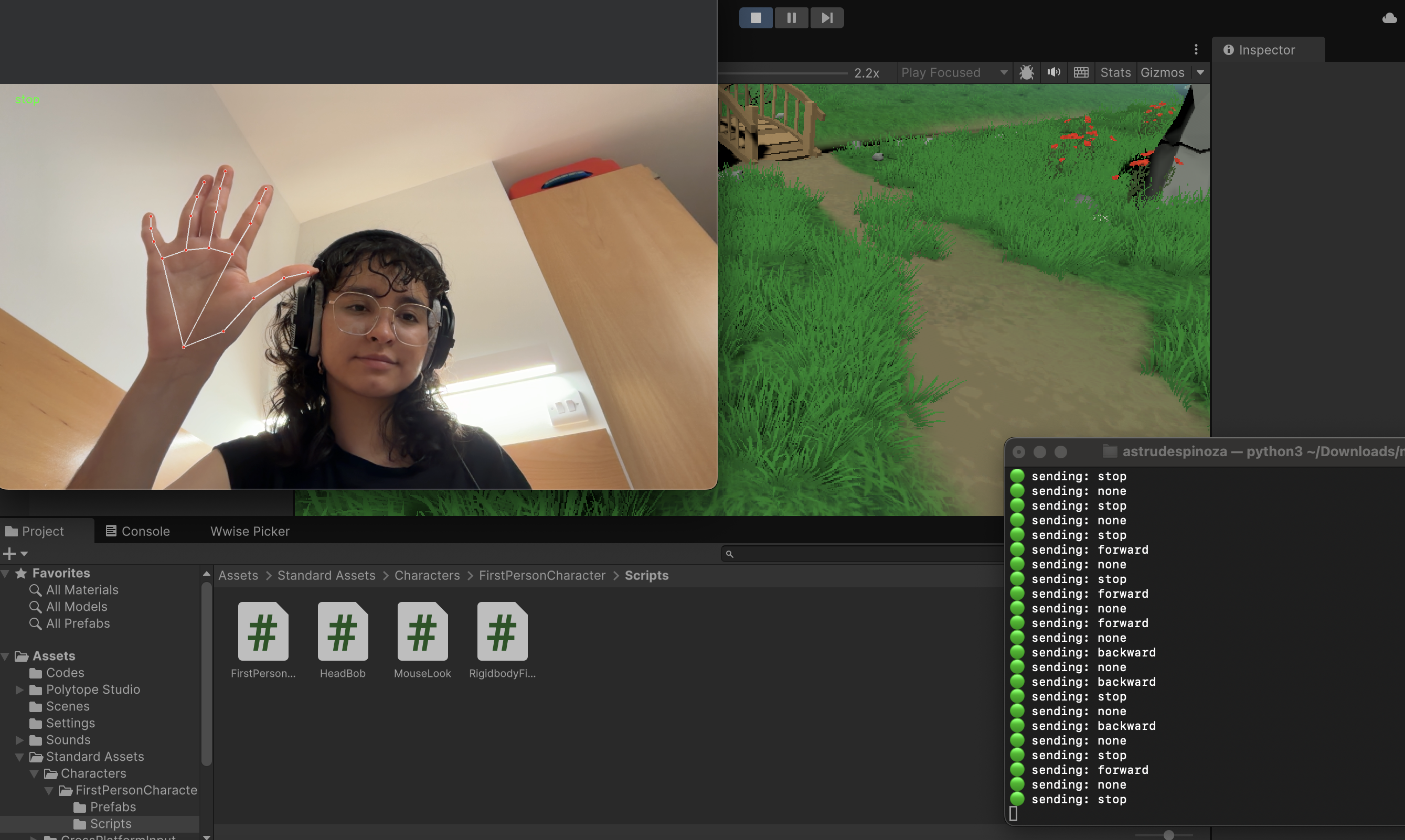
In order to create an in-game language to allow MM (player 1) who can hear, but sees blurry to communicate with NN (player 2) who can see, but hears muffled, I thought using a hand tracking system implemented in Unity could work.
MediaPipe Hands
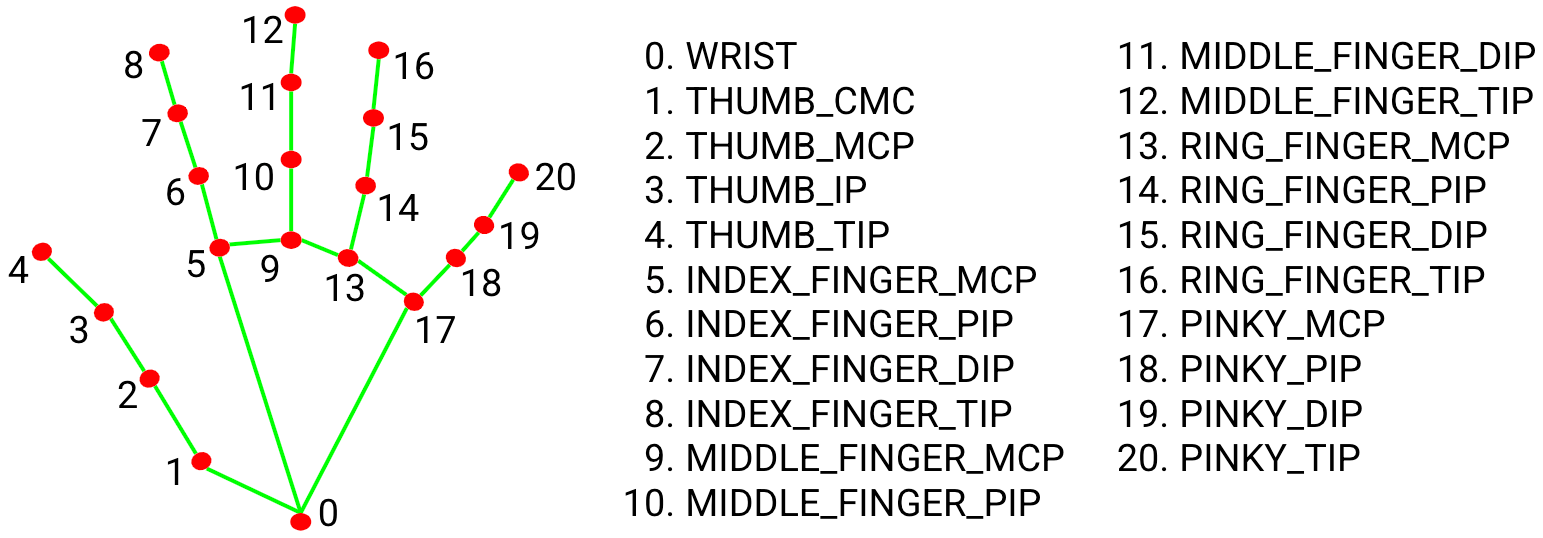
Is a high-fidelity hand and finger tracking solution. It employs machine learning (ML) to infer 21 3D landmarks of a hand from just a single frame.
Hand landmarks
MediaPipe Hands utilizes an ML pipeline consisting of multiple models working together: A palm detection model that operates on the full image and returns an oriented hand bounding box. A hand landmark model that operates on the cropped image region defined by the palm detector and returns high-fidelity 3D hand keypoints.
Installing
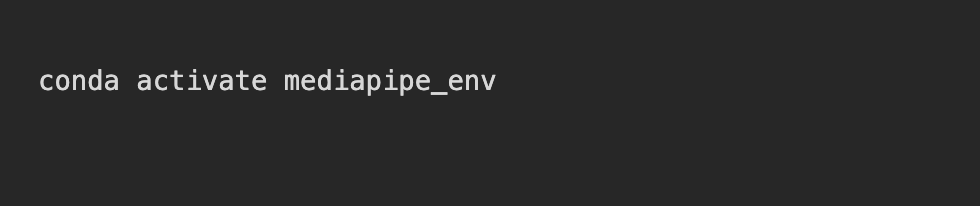
The recommended way to do it is by installing Python and pip: https://www.python.org/downloads/ . In some cases it might require the package manager Conda to be installed. In the terminal, OpenCV and Mediapipe need to be installed; this process may vary depending on the computers processor. For a Mac with M4, the next process carried on:
OpenCV-Mediapipe installationMediaPipe in Conda environmentEnvironment activationMediaPipe installation in Conda
Configuration
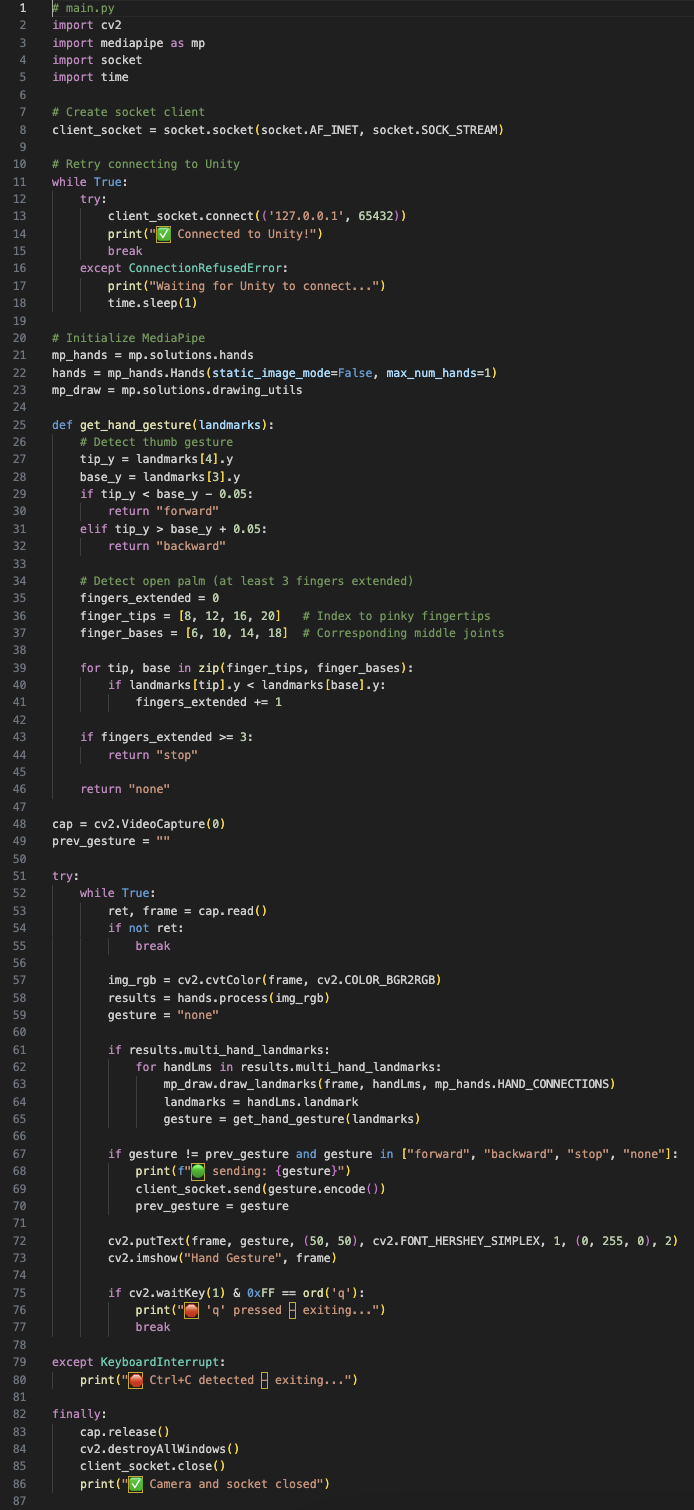
The first step is to create a Python code for Hand gesture recognition and network communication using the MediaPipe library. This may vary depending on what is expected to do, but the one used in the first trial was this:
Hand tracking recognition and network communication Python code
Where the hand landmarks (3, 4) represent the thumb finger and will move the player forward when the thumb is up and backward when it’s down. This code will also capture the video from the default camera, processes the hand landmarks and sends the data via socket, in this case, to Unity.
Unity connection
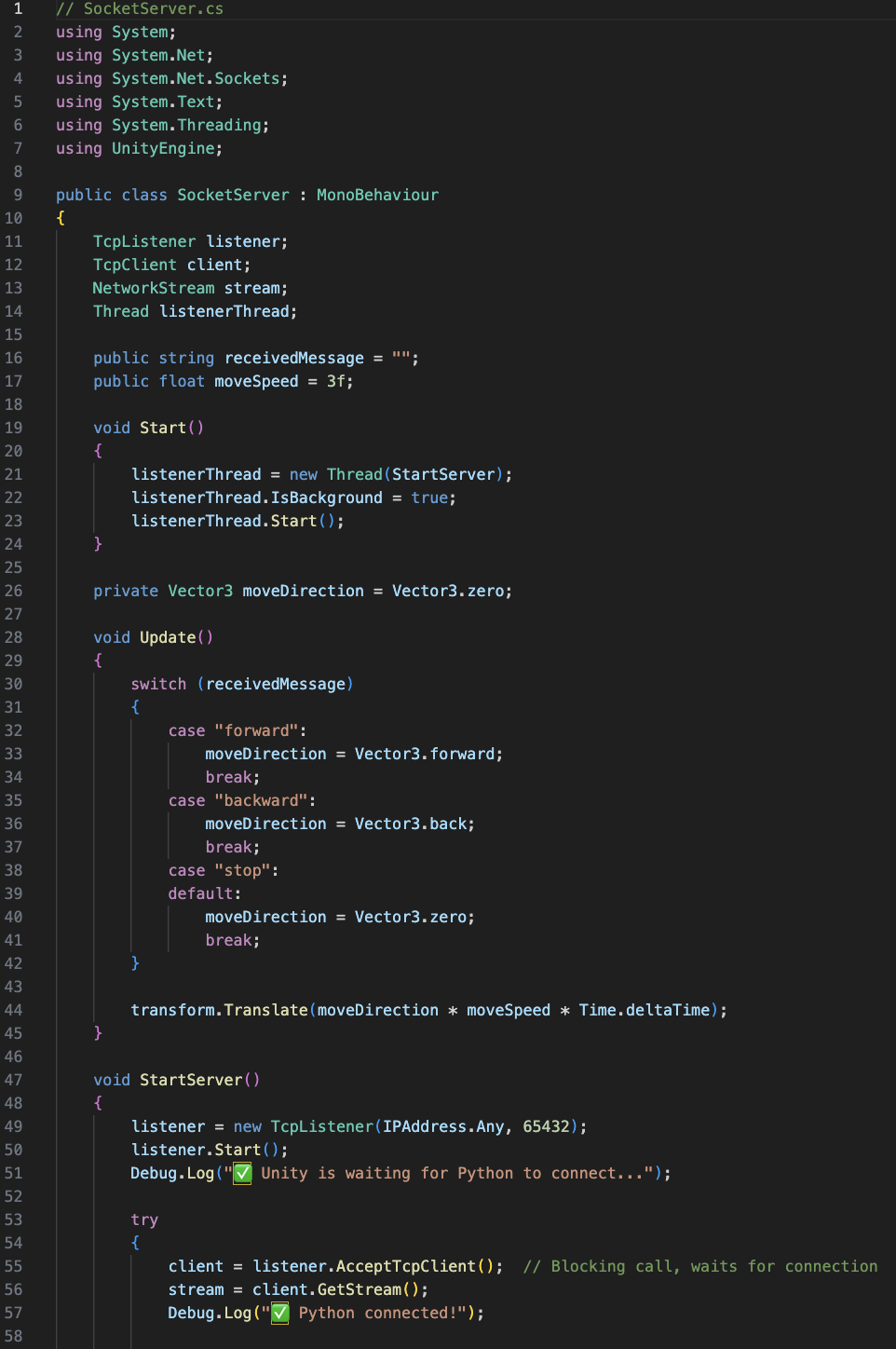
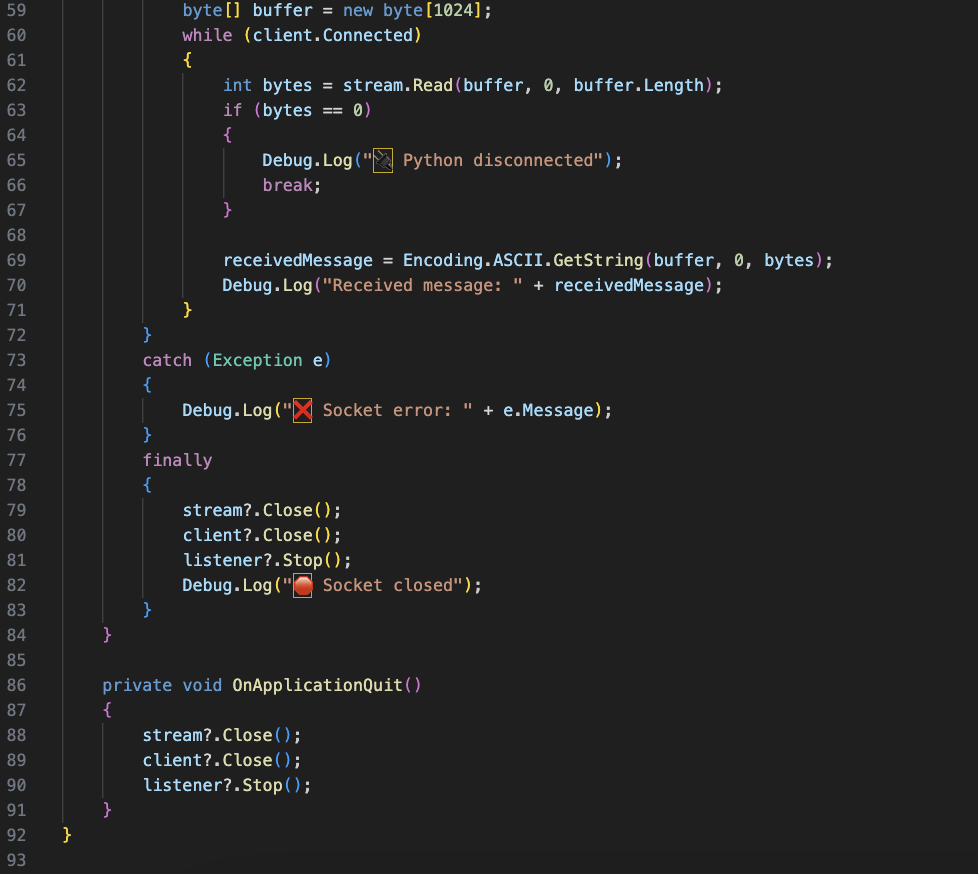
For the Unity implementation, we need to create C# sharp code that starts the socket server.
Socket server to Unity C# code
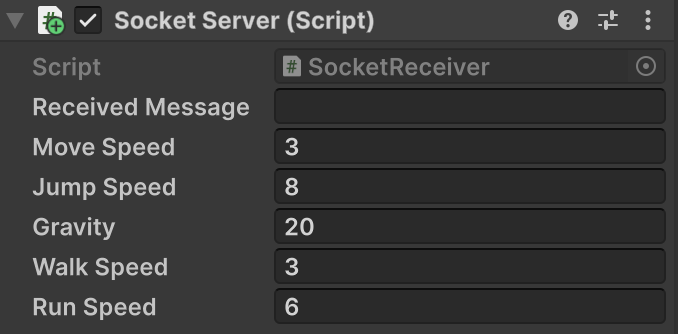
This script will be inserted into the First Person Controller inside the Unity environment. The script will need to be modified in case it doesn’t match or use the same variables as the First Person Controller script.
FPS Socket Server script
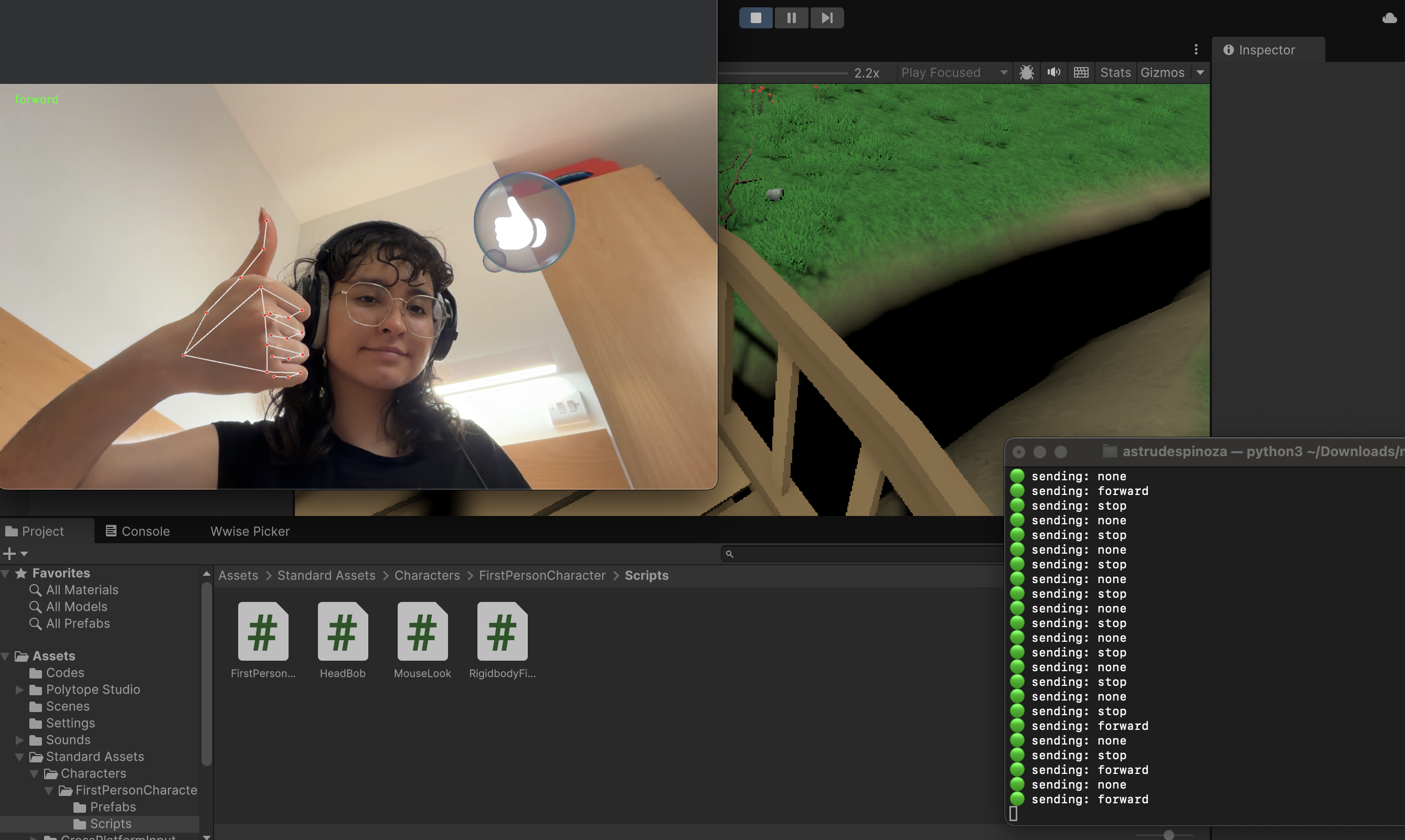
Running the Python file
The Unity game must be running previously to running the py file. Once this is done, in the terminal type the corresponding path of the Python file.
As the creator of this narrative world, I constantly seek ways to minimize the reliance on textual exposition, allowing players to intuitively grasp the core objective—escaping the maze—through interactive design alone. In MM & NN, narrative and gameplay are not separate components; they are deeply interwoven. Every gameplay mechanic is crafted to serve the story, and every narrative decision is reflected back through the player’s actions. My ongoing development focus is to refine this synergy, ensuring that the maze functions not only as a space for exploration, but also as a narrative medium—one that unfolds through interaction, perception, and choice.
Narrative Foundations: Dual Perception and Divergent Realities
The game follows two protagonists—NN and MM—each representing a different mode of perception. NN sees the world through visual manipulation; MM perceives the world entirely through sound. Their abilities form the core of the game’s thematic and mechanical duality: vision vs. hearing, illusion vs. reality.
Players gradually uncover a layered narrative through four distinct endings, each of which arises organically from player behaviour and mechanical interaction rather than cutscenes or text. These endings include:
The Illusion: Accepting a stable, false reality.
Truth Seeker A: Discovering the real exit and achieving freedom.
Truth Seeker B: Falling into deeper illusions.
The Divide: Experiencing a complete separation between NN and MM
Maze Design as Narrative Mechanism
The maze is not a backdrop—it is the narrative structure itself. Each player’s interaction with the space, from movement to puzzle-solving, creates story.
Spawn mechanics place players atop a tower, reinforcing the feeling of isolation and mystery.
Movement paths are governed by anti-gravity navigation, challenging spatial expectations.
Key puzzles involve auditory and harmonic cues (e.g., major vs. minor arpeggios), transforming musical elements into narrative-significant mechanics:
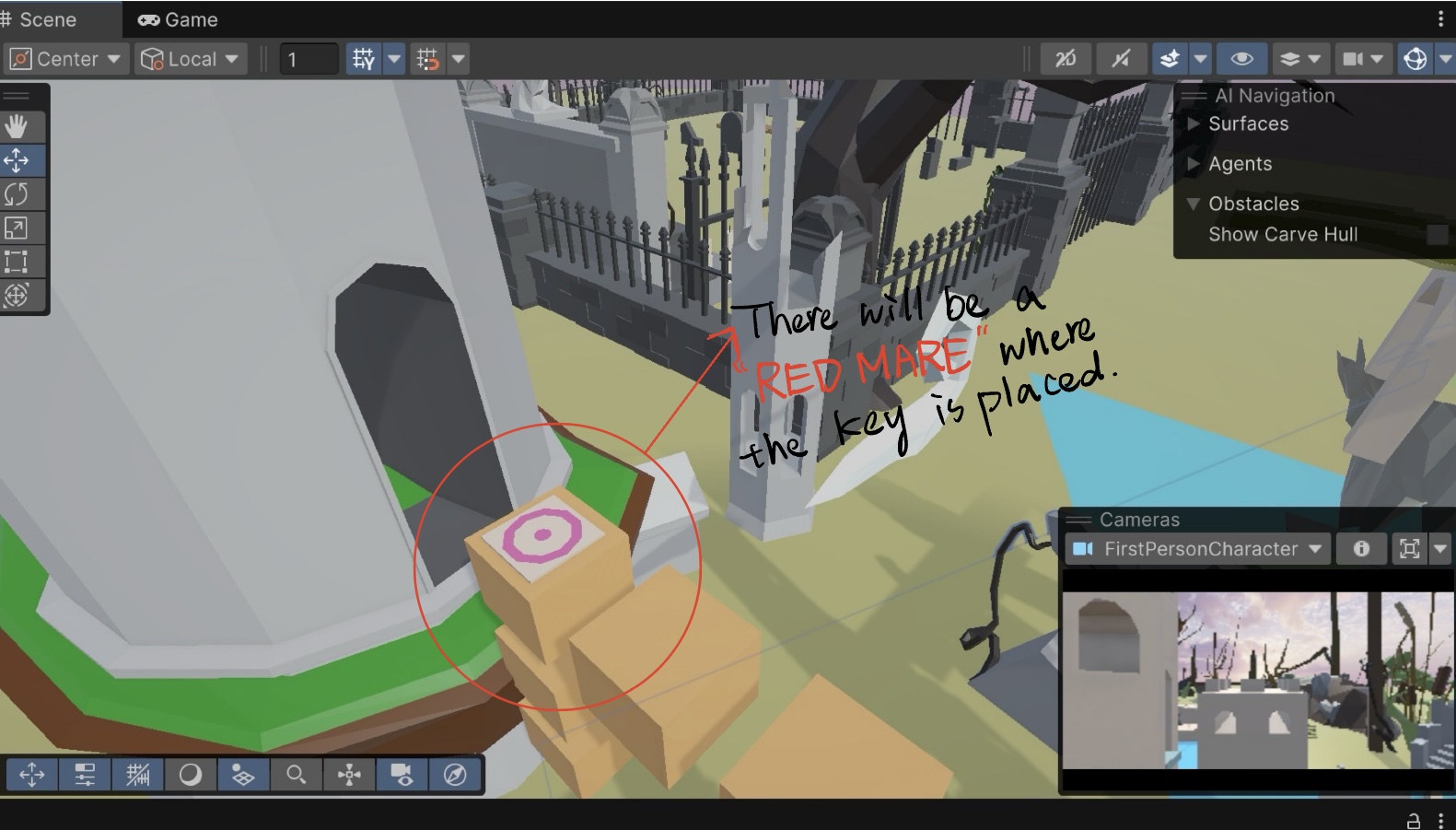
True Key: Discovered under the blue tower; associated with clarity and progress.
Fake Key: Leads players toward false exits or looping realities.
These systems are not merely gameplay obstacles, but metaphors for the characters’ internal states and their growing uncertainty about what is real.
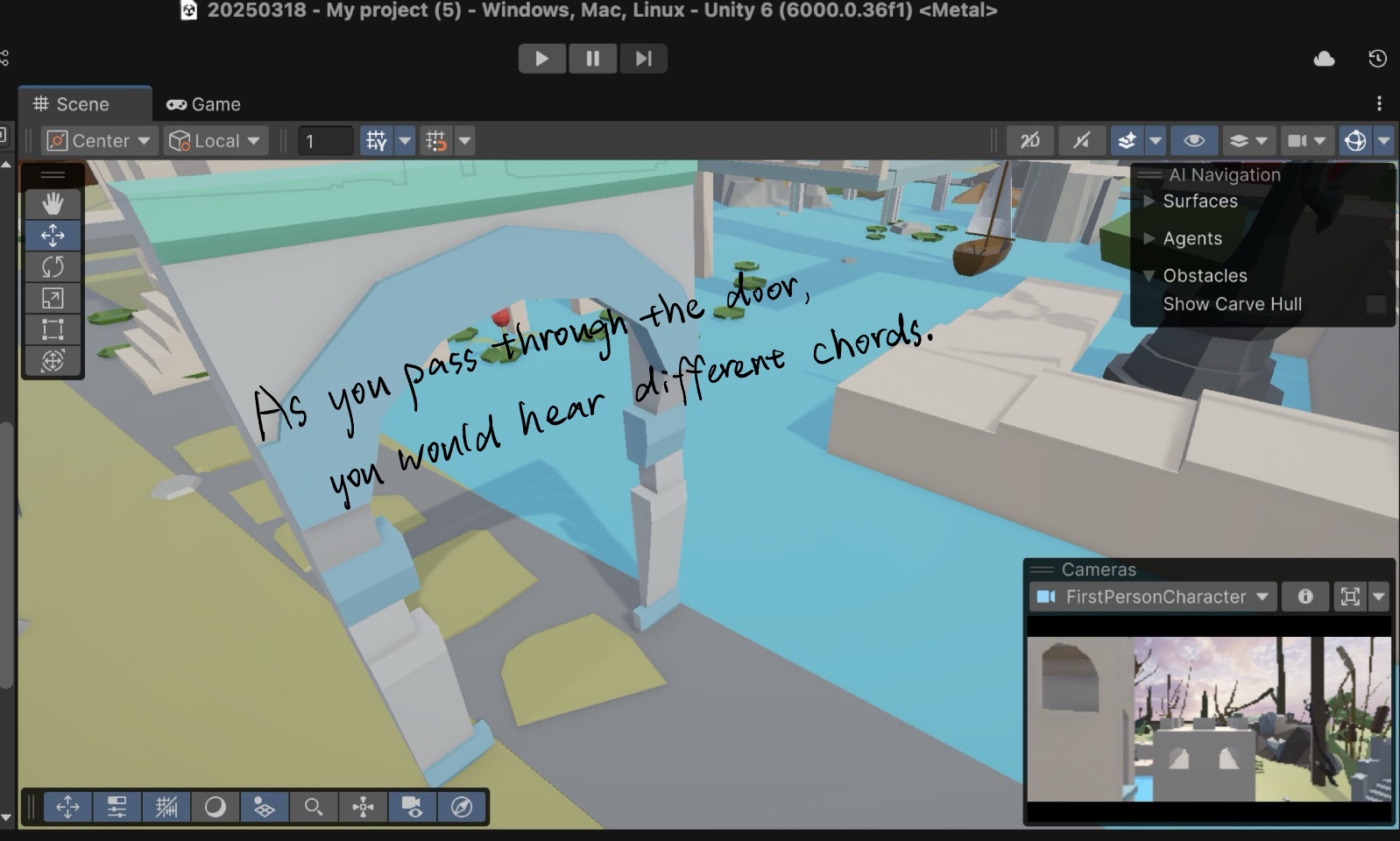
ScreenshotScreenshotScreenshot
Mechanic-Triggered Story Outcomes
Each ending is mechanically triggered by how players interact with the game systems:
Ending
Core Mechanic
Narrative Consequence
The Illusionist
Aligning NN’s visuals with MM’s sounds until anomalies disappear
The maze becomes static and peaceful; a false reality where change ceases
Truth Seeker A
Actively finding contradictions in light, sound, and memory
The player uncovers the real exit; a world of freedom awaits
Truth Seeker B
Escaping too quickly or following misleading cues
The maze deepens; the illusion continues under a new guise
The Divide
Choosing divergent paths for NN and MM
NN and MM are trapped in the maze world;
The gameplay does not merely represent the narrative; it manifests it. For instance, when NN loses in “The Divide” path, it’s not just a mechanical limitation—it’s a diegetic expression of losing agency. Likewise, when MM navigates in darkness through sound only, players must rely on stereo cues, echoes, and frequency shifts—mirroring MM’s psychological journey through uncertainty.
Layered Mechanics: Sound, Vision, and Player Control
Newly implemented mechanics this week include:
NN’s Visual Obstruction: A gray ink overlay distorts the visible world, representing loss of visual clarity.
MM’s Hearing Obstruction: A dynamic RTPC filter simulates hearing loss, reinforcing MM’s sensory limitations in specific story states.
Death & Mist System: If NN and MM separate too far (>100 units), players trigger a narrative sequence (“Lost”) and the screen fades into mist.
Floating Lotus Platforms: These serve both as spatial puzzles and symbolic elements—ephemeral, beautiful, and fleeting, reflecting the dreamlike logic of the maze.
Design Philosophy: Narrative Emergence Through Play
Our core design philosophy is simple yet challenging: Don’t tell the story—let the player discover and perform it.
Rather than presenting exposition, we embed narrative meaning in:
Spatial contradictions
Perceptual puzzles
Mechanic-driven consequences
The player constructs their own interpretation by engaging with the world. The result is an emergent narrative where player action is the author of meaning.
Conclusion: From Labyrinth to Language
In MM&NN, narrative and mechanics are two sides of the same mirror. The gameplay is not an obstacle between the player and the story—it is the story. Every sound MM hears, every wall NN sees, every shortcut taken or illusion believed… all shape how the tale ends.
As development continues, we aim to deepen this fusion even further—designing puzzles that respond to emotion, and narrative arcs that only emerge through the full embodiment of play.
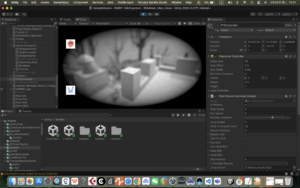
This week I focused on developing a visual effect that simulates a ‘blind person’s perspective’ to enhance the immersion and challenge of the game. By investigating Unity’s Post Processing technology, I implemented a Bokeh effect that allows the player to only see close objects clearly, while the distant terrain is blurred, making the exploration process more difficult and tense. At the same time, I made adjustments to the overall image, including the addition of vignettes and black and white tones, to more realistically reproduce the perceptual experience of the visually impaired.
In addition, I also implemented an automatic resurrection function when the player falls into the water, the character will automatically reset to the starting position to ensure the continuity and playability of the game flow.
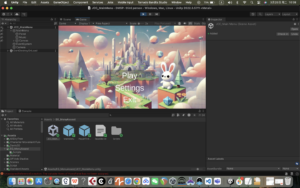
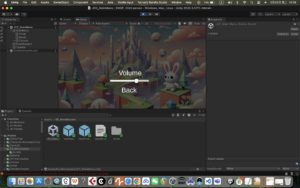
This week I designed and implemented the game’s start menu, which contains the Play, Setting, and Quiz buttons, and basically builds the game’s main navigation structure. At the same time, I reserved a channel to interface with the Wwise audio middleware, so as to easily integrate sound effects and music content.
In terms of functionality, I implemented the jump logic between each button and the corresponding scene through script control to ensure that the player can enter the main scene smoothly after clicking Play, which lays the foundation for the complete game flow.
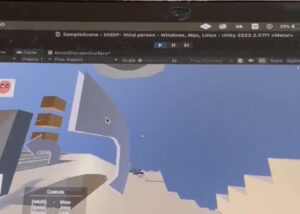
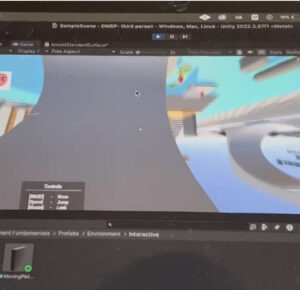
In order to better fit the Monument Valley art style of our game, this week I focused on developing and implementing the ability for characters to change their gravity direction. By writing control scripts (using Physics.gravity and Rigidbody), the character can change the direction of gravity based on specific triggers, allowing for multiple angles of movement and exploration in the scene.
The implementation of this feature will greatly enrich the spatial puzzle mechanism of the game, enabling the player to explore the maze path from a multi-dimensional perspective, and enhancing the game’s fun and immersion.
This week, during the development of the project, I found that some of the mechanisms of our game can be effectively borrowed from the functional design explained in the ISE course, so I studied the tutorials and examples provided in the ISE course, and implemented two key functions, which are ‘picking up the key to unlock the door of the corresponding room’ and ‘rotating display of items’. rotation display’.
These mechanisms not only enhance the interactivity of the game, but also lay the foundation for more complex level design. In the next phase, I will incorporate these two features into the current game development process to further enrich the player experience!