After submission 1, our team started to officially work on our Unity and Wwise projects.
- According to the previous arrangement, the theme of our first game room is the toy room. We determined the specific colors of the room and found models of various furniture and toys. Then determined the toy can correspond to the sound.
- Try to connect Wwise and Unity to let the unity project make sounds. But there were some problems when it came to making the sounds of footsteps and various toys. But the happy thing is that we solved this problem after two days, successfully realized our idea, and initially built the toy room. As shown below.
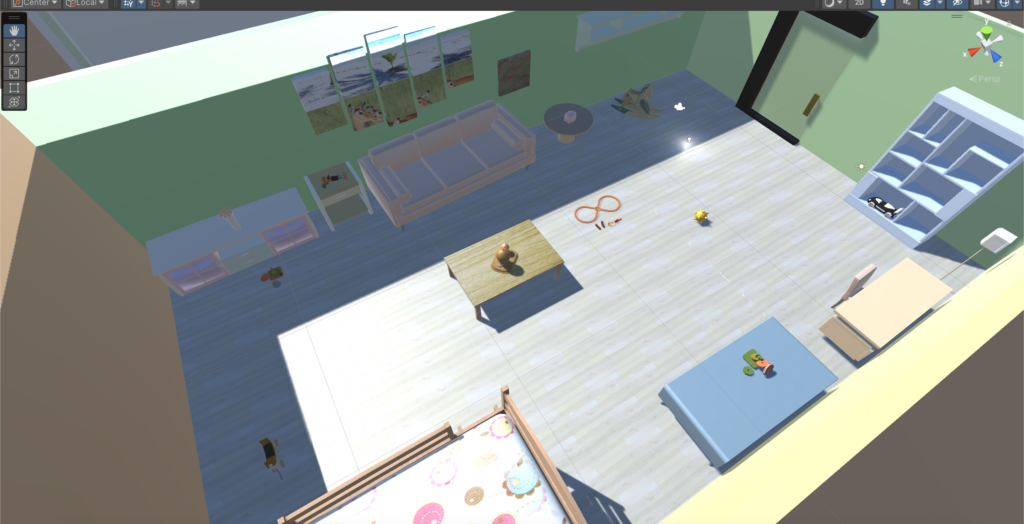
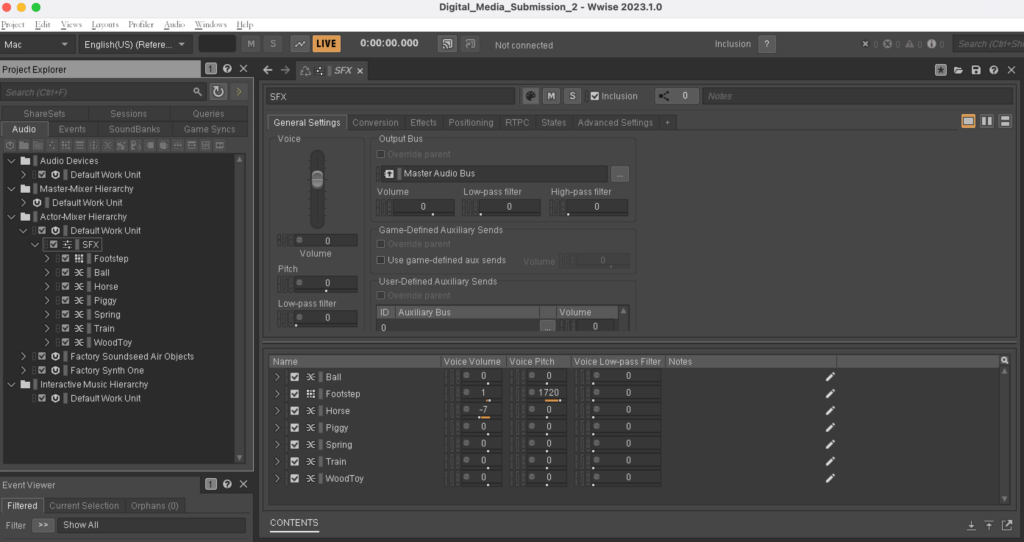
- We began to improve the game steps, such as requiring an empty room before each game room and giving players some sound and language prompts to let them know the specific gameplay of our game. Wait until the player is ready before teleporting to the next game room. Through Teleport’s script, the transmission between the blank room and the toy room is completed. As shown below.
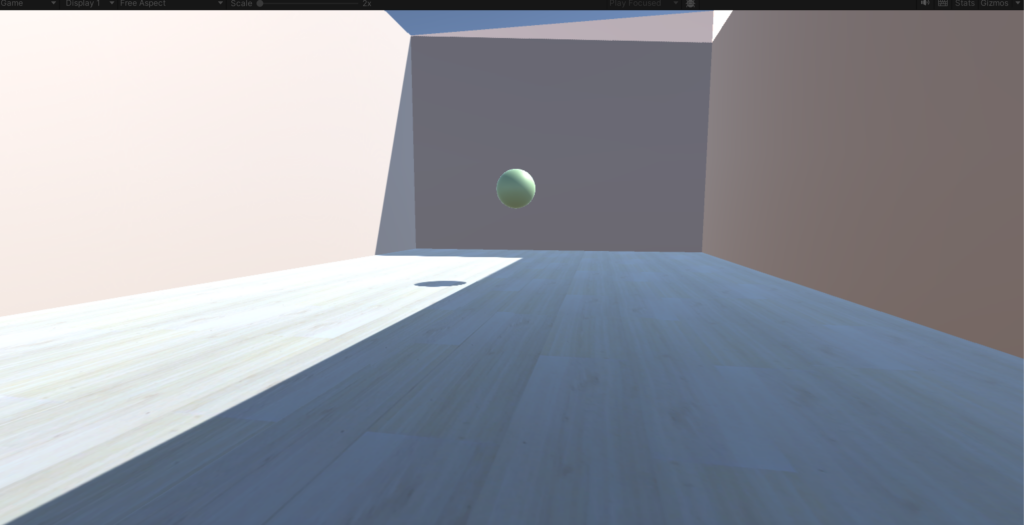
- We chose the key sound of the toy room to be the sound of coins clinking in the coin jar. Once the player selects the key sound, they can teleport through the room’s door to the next empty room. There will be object in the empty room that trigger going to the next room.
- The theme of the second game room is the kitchen, and the structure of the room is still being gradually improved. As shown below.
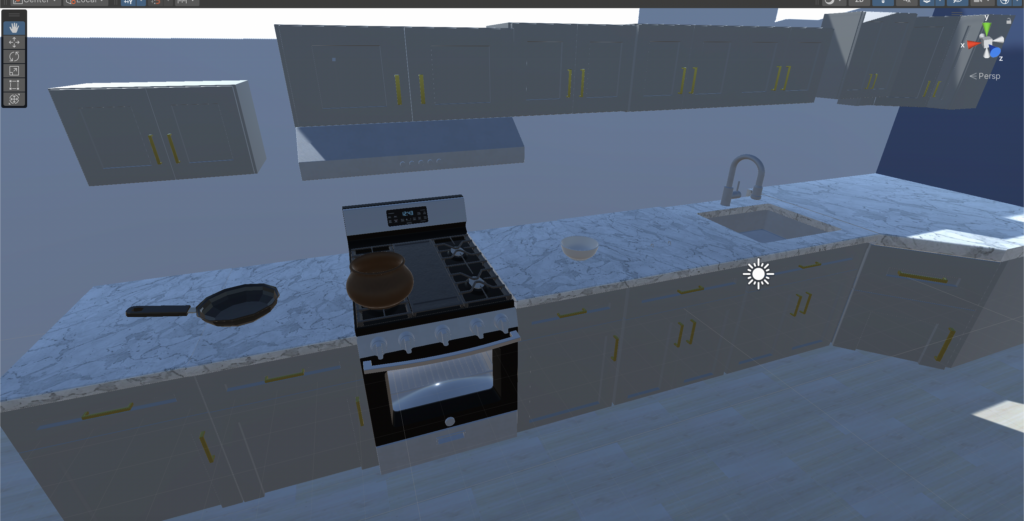
When our project progressed to this point, there was a problem that troubled us, which was how to let players choose items. We tried the “Selection” script in many ways, but various problems always appeared.
We have tried a lot on this issue. Finally, we found that selection can only be used on simple single objects like cubes and cannot be used on items containing multiple sub-objects.
- After much thought and discussion, we decided to reduce the size of the room. Because our main character is a hamster, the previous room was too big from the player’s perspective. Making each room smaller will allow the target object and other confusing items to be more concentrated.
- We have four playrooms in total, the first is the toy room, the second is the kitchen, the third is the bathroom, and the fourth is the study room. We identified the main colors in the four rooms as green, blue, purple and brown. and confirmed the target sound for each room. The next step is to go into the recording studio and record all the sounds needed in the game.
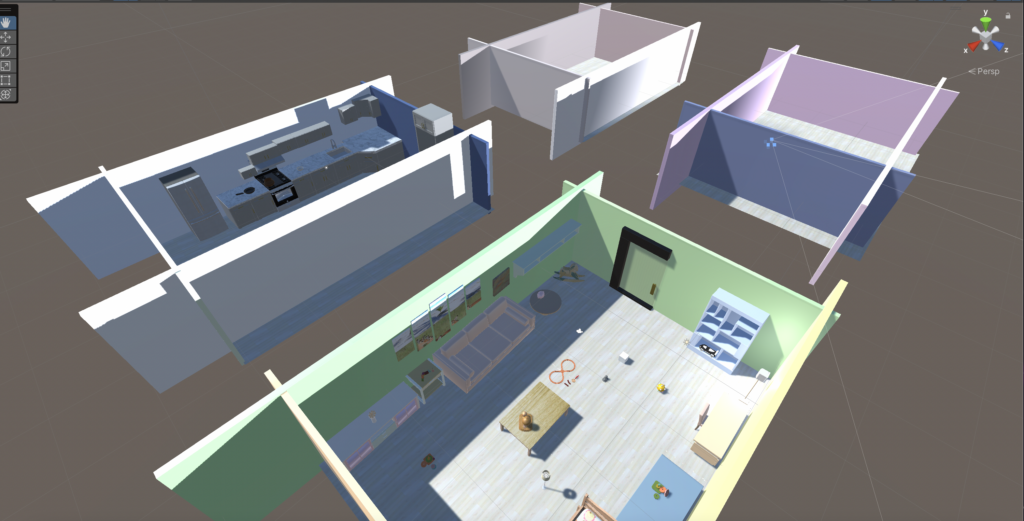
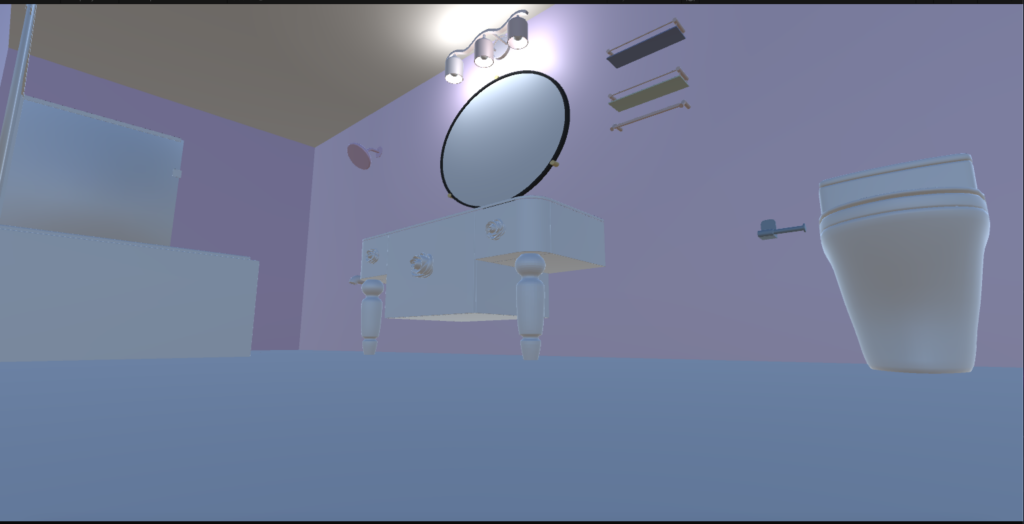
- The theme of the third game room is the bathroom, and the structure of the room is still being gradually improved. As shown below. I started to add a roof to the room, because these rooms are supposed to be a relatively closed space. Then I put some light in the room to prevent it from getting too dark to see where things are. However, the lights I have added at this stage are still not enough to illuminate the whole room, and more light sources will be added later.
- The fourth room is the studio, which is mainly brown. There are some computers, mobile phones, consoles, lights and other electronic equipment in it, so the sound of current is regarded as the main sound in this room. The picture below is the appearance of the studio room.
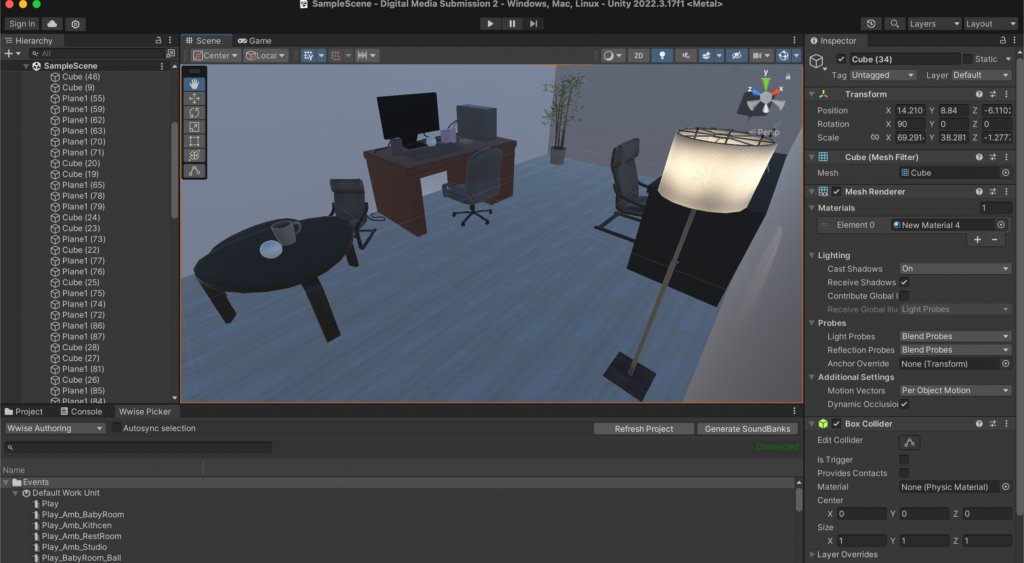
- At this point, the architecture in unity is basically completed. The four rooms and the hamster room all have the most basic appearance.