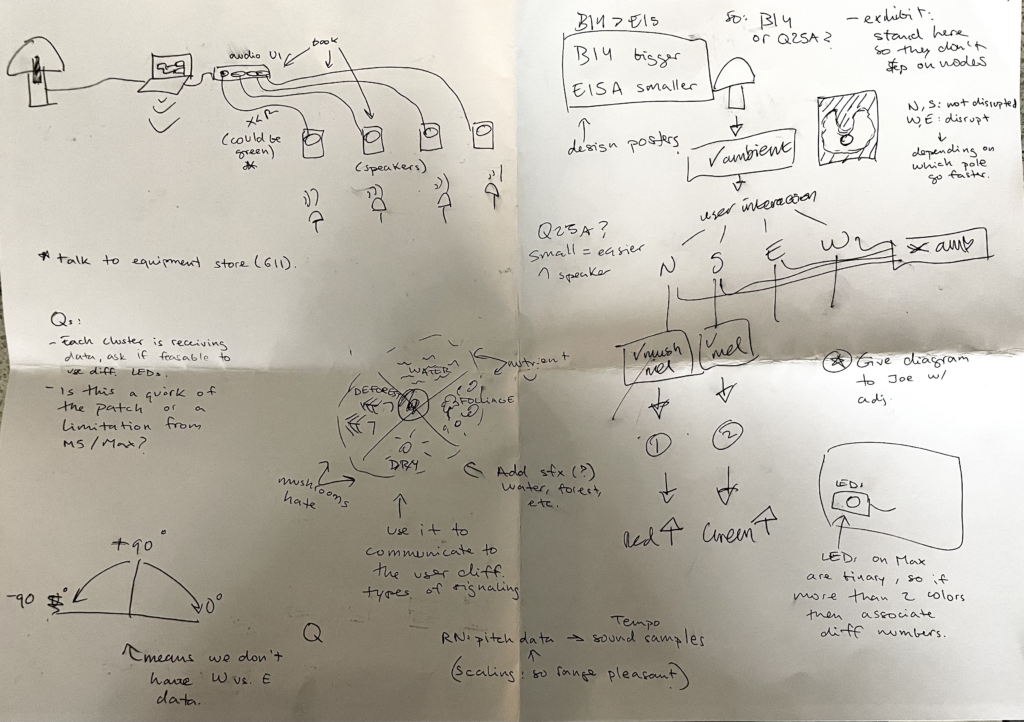
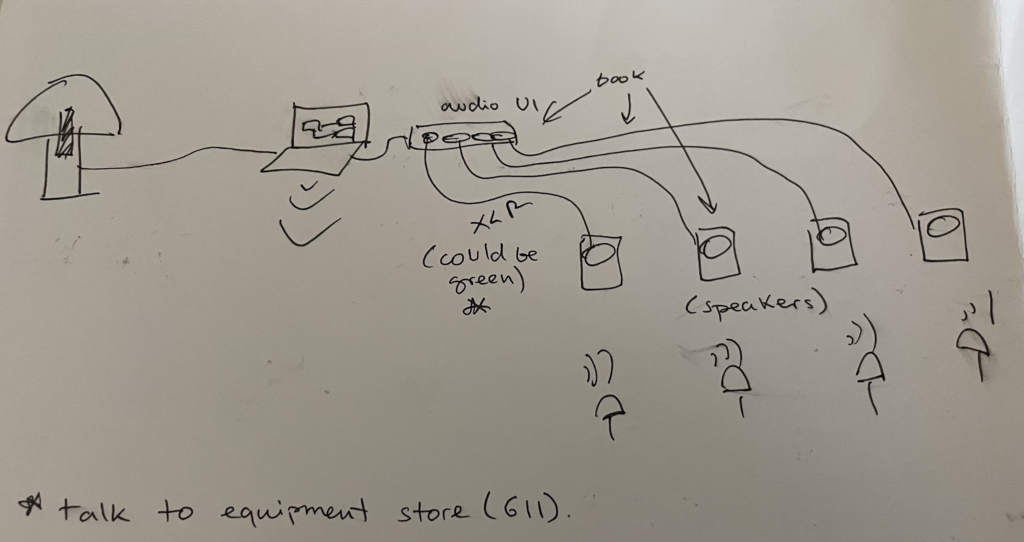
27/05 Meeting Notes:
1. OSC Broadcast Implementation:
– Utilize OSC (Open Sound Control) broadcasting to transmit signals from the main node to all connected nodes simultaneously, eliminating the need for individual transmissions.
– Add “255” to the end of the IP address to enable broadcasting across the entire network, serving as the broadcast frequency.
2. NEED: USB-C Cable Requirement:
– Ensure each M5 device is equipped with a USB-C connection; therefore, we need to get 7 USB-C cables to facilitate connectivity.
3. Communication Testing with M5 Sticks:
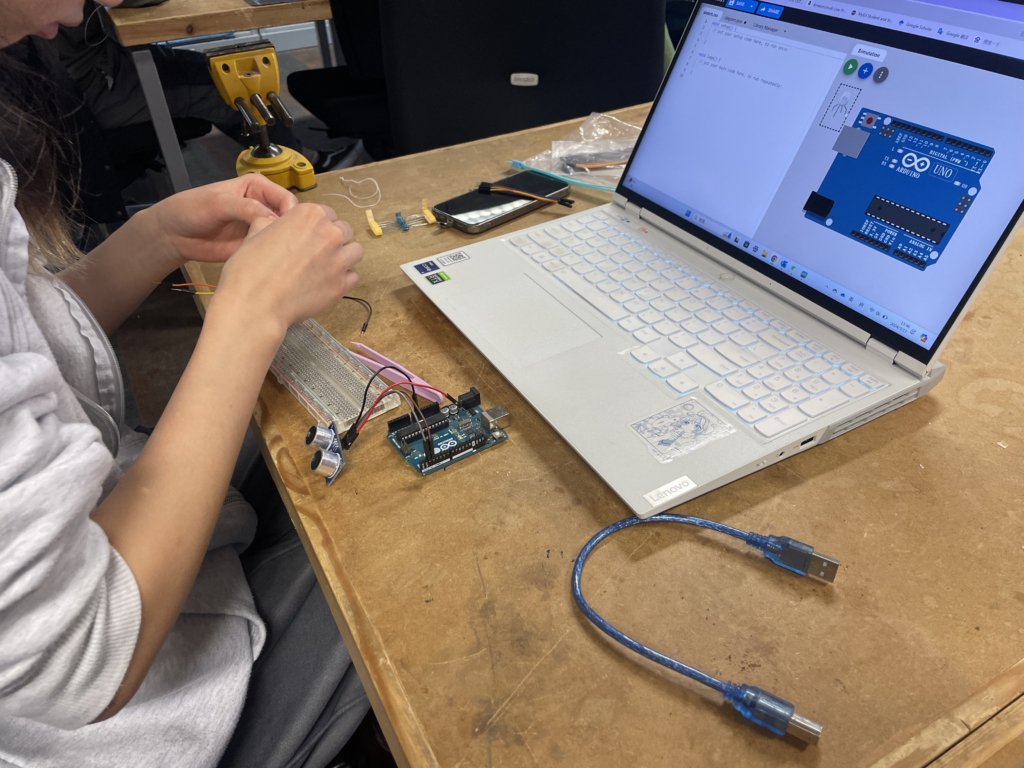
– Conducted coding exercises to ascertain the capability of M5 sticks connected to the same network to exchange messages. Demonstrated successful data transmission between M5 sticks, validating the feasibility of custom code deployment for activating sounds or LEDs.
4. Light Testing Phase:
– Plan to conduct isolated testing of LED neopixels on M5 sticks.
– Incorporate the ‘adafruit.neopixel’ library into the codebase to enable control functions for the LEDs.
– For the code: Specify the ring’s LED count (12 LEDs) and develop an object to manage LED activation with customizable colours.
– Emphasize adjusting brightness levels (0 to 255) instead of simple on/off toggling to accommodate potential signal delays.
5. Integration of Additional Sensor:
– Investigate compatibility of an additional sensor with the M5 devices and network infrastructure, including potential connectivity to laptops.
6. Network Setup:
– Establish a designated M5 stick network named “m5node” with password “12345678” to facilitate seamless communication.
– Confirm successful message transmission and reception among M5 sticks.
– Observe functionality of light pulsing and color-changing sequences.
Next Steps to have before next meeting:
– Proceed with soldering the neopixels.
– Fine-tune data of M5 sticks on Max patch, then add that data to the code.